WiFi Site Survey Tool
Place the access points on the real floor plan, prove the coverage, and export the design.
Runs in your browser · Chrome, Edge, Firefox, or Safari · Sign in with your niyyasoft.com account, or continue as a guest
Upload the site plan as a PDF or an image and WSS works out its scale — from the PDF page geometry, from the file's own resolution, or from a dimension line on the drawing that you point at and label. Trace the walls, outline the floor plate, and it predicts coverage across 2.4, 5 and 6 GHz for 232 access points, controllers and switches taken from the Cisco, Meraki, Aruba, Fortinet, Ruckus and Ubiquiti data sheets. Drag an access point and the distances to its neighbours move with it. Give it a device count and it works out how many access points the floor actually needs, plans the channels on every band, costs the bill of materials, estimates the cable, and exports the lot as Word, PowerPoint and Excel — with the heat maps, the connectivity diagram and the logical design embedded.


Riktiga filer, exporterade av appen själv. Öppna en och se exakt vad du får innan du börjar.
Scale comes from the PDF page geometry, the image's embedded resolution, a graphic scale bar, a dimension line on the drawing, or two points you click and measure — the panel always says which of them produced the figure in use, and a resolution tag that would make the building five metres across is rejected rather than believed.
Coverage is modelled on the log-distance path loss model with the attenuation of every wall between the access point and the measurement point, from drywall at 3 dB to a lift shaft at 30 dB, scaled per band.
Five layers over the plan on 2.4, 5 and 6 GHz: signal strength, signal to noise, estimated PHY rate, how many access points reach each point, and co-channel interference.
Radios start at design powers rather than the data-sheet maximum, because a cell sized on maximum power is larger than the client can answer across — the maximum is shown beside every field.
Automatic placement sizes the cell from the weaker of the two directions and takes a device count, so the layout meets capacity as well as coverage, then bisects the spacing to land on the smallest layout that still meets the target.
Channels are planned on every enabled band at once, not just the one on screen, putting reuse as far apart as the floor allows.
232 models across Cisco, Meraki, Aruba, Fortinet, Ruckus and Ubiquiti, each with its bands, spatial streams, transmit power, antenna gain, client capacity, PoE class and a link to the vendor's page; administrators can correct any of it or add hardware of their own.
Drag an access point and the distances to its neighbours move with it, so a position is argued about on the plan rather than in a spreadsheet.
Access points, switches and controllers are drawn as the devices they are — a ceiling unit, a switch with its port rows, a controller with its rack bezel — on the plan and in both the connectivity and logical diagrams.
Mark the comms room and every run is estimated along containment with the drops and the slack, totalled into a cable schedule that flags anything past the 90 m copper limit.
A fillable survey report: 101 fields across document control, scope, requirements, existing RF, infrastructure readiness, physical constraints, findings with photographs, risks, actions, conclusions and sign-off.
Every design is reviewed against itself before you issue it — PoE and port shortfalls, a floor with no scale, coverage below target, 2.4 GHz crowding, end-of-sale hardware and an unfinished report are all listed, in the app and in the Word report.
Enter unit prices and the bill of materials becomes a budget carrying installation and cabling; exports are real Office files — a Word report with a cover page, contents, running headers and a glossary, a slide deck, and a multi-sheet workbook — each with your logo and the client's.
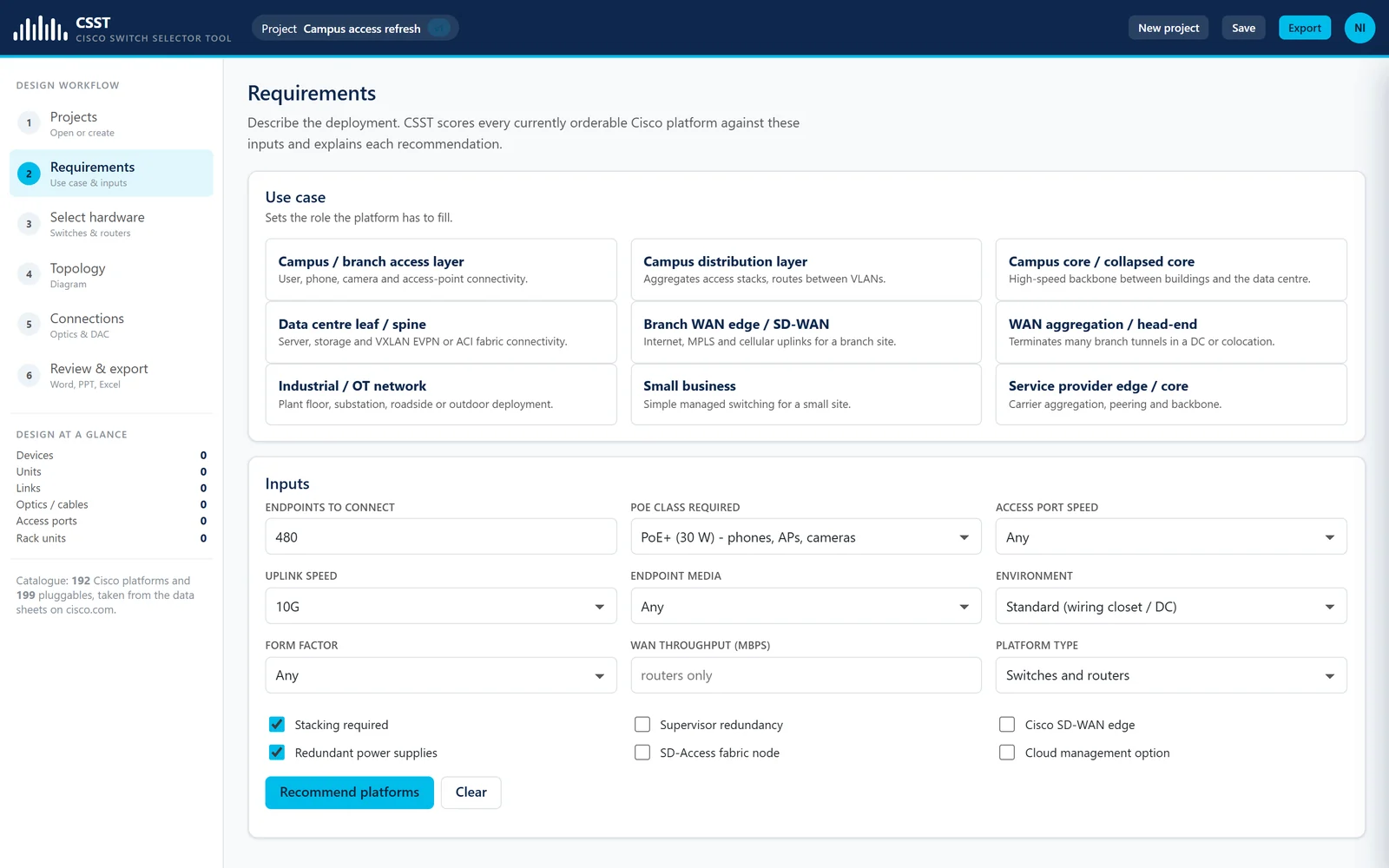

Cisco Switch Selector Tool
Välj rätt Cisco-switch, kabla varje länk och exportera designen.
Körs i webbläsaren Läs mer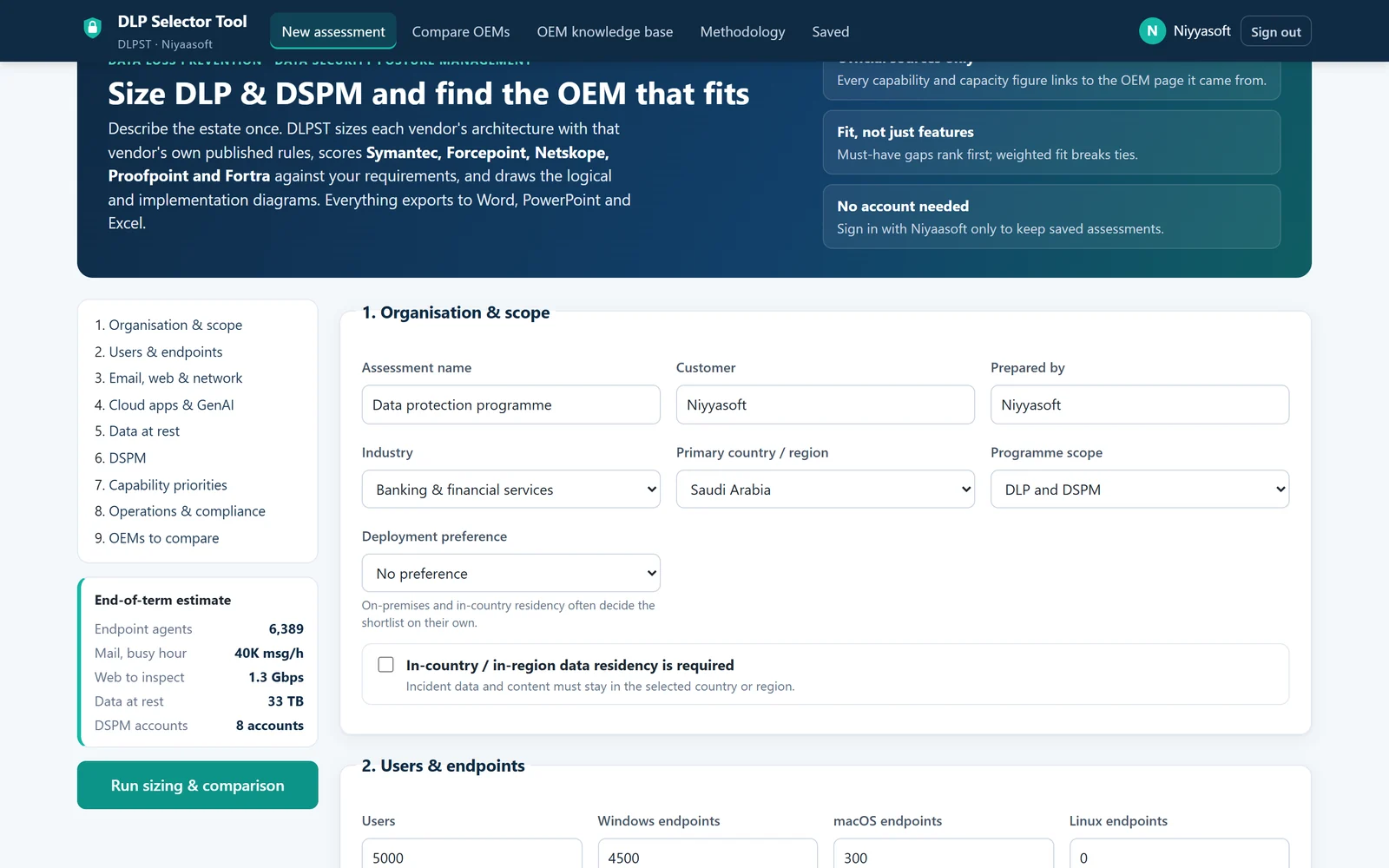

DLP Selector Tool
Dimensionera DLP och DSPM hos fem OEM:er utifrån deras egna officiella data, och se vilken som verkligen passar.
Körs i webbläsaren Läs mer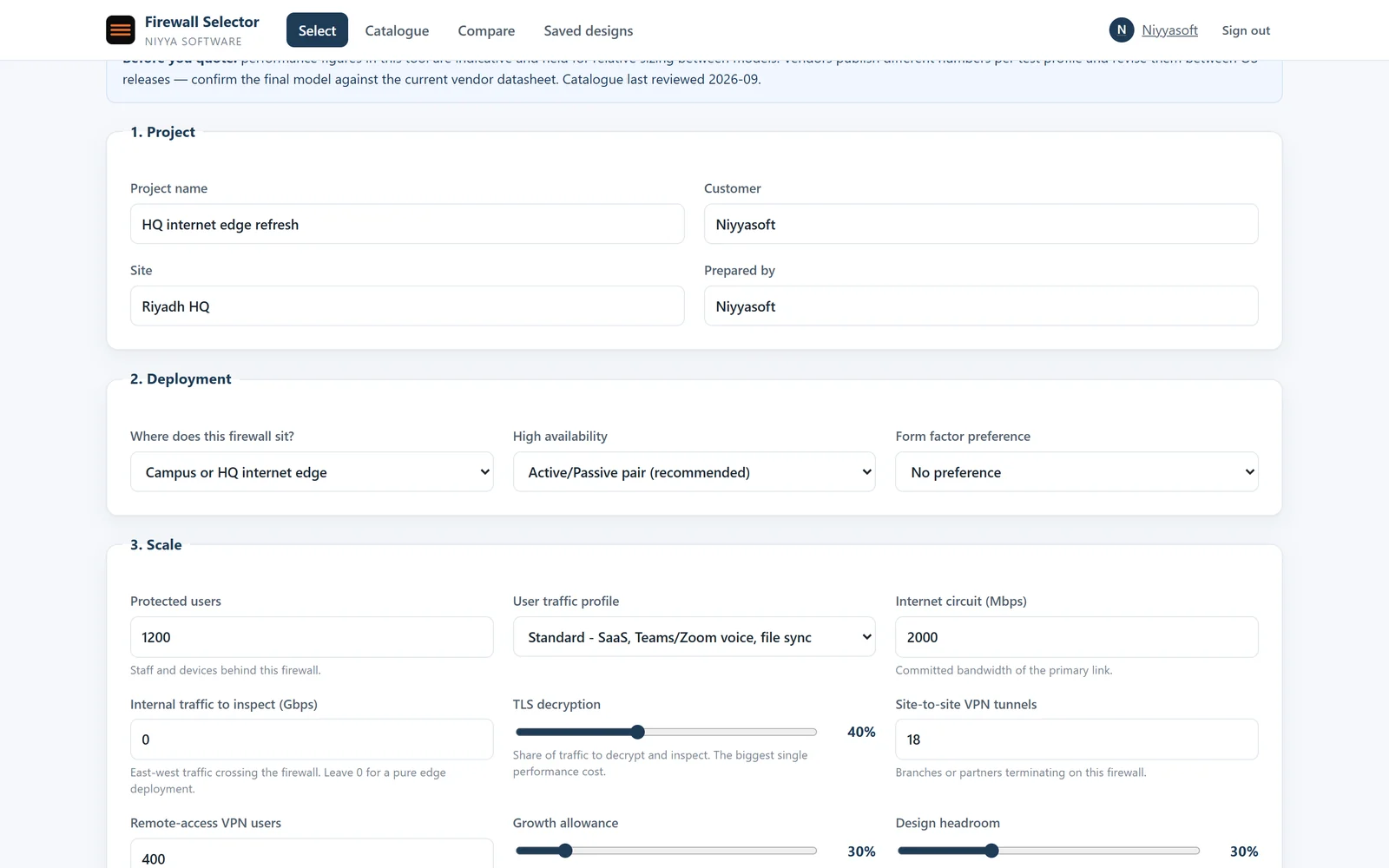

Firewall Selector Tool
Dimensionera brandväggen rätt, välj licenserna och exportera designen.
Körs i webbläsaren Läs mer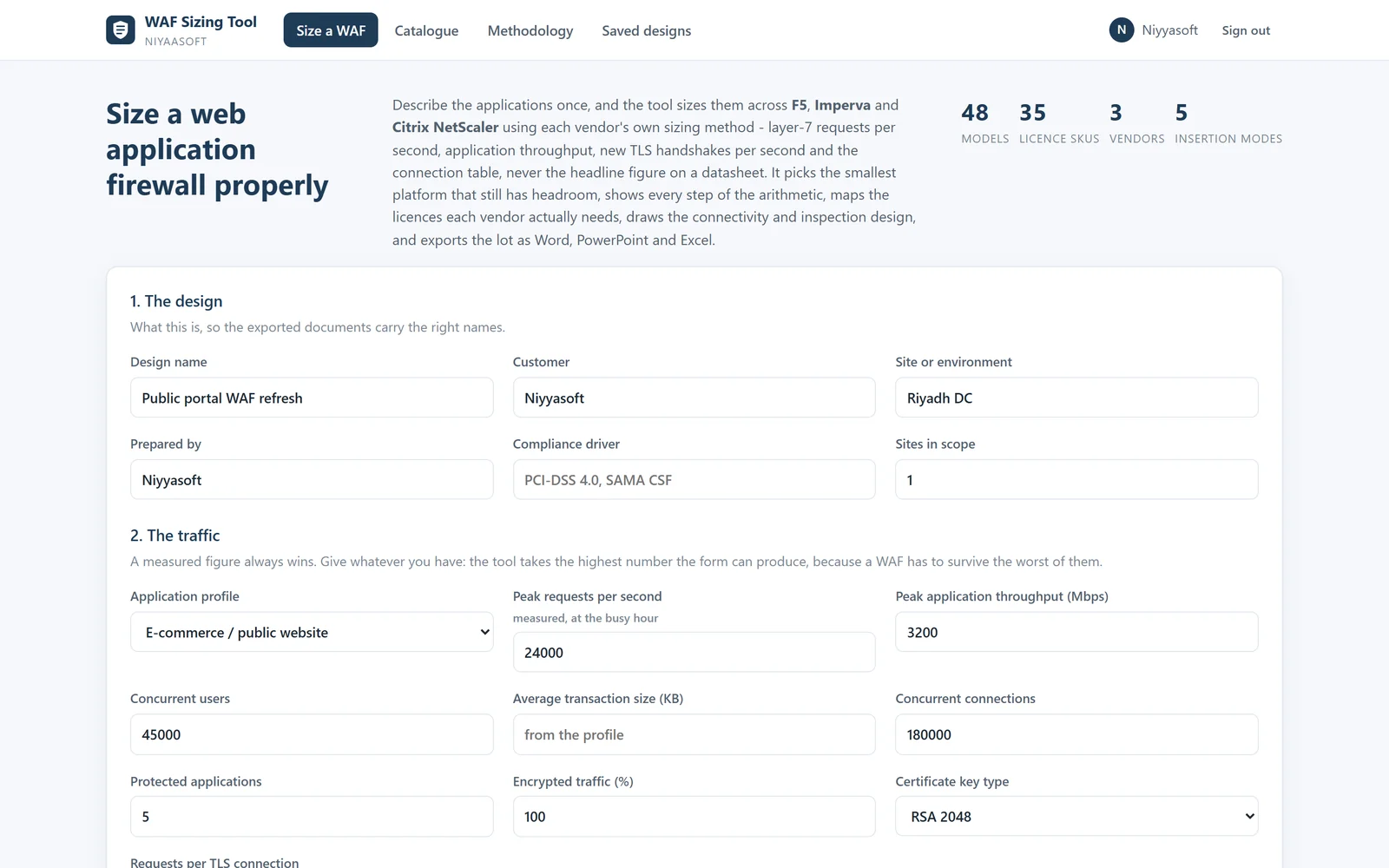

WAF Sizing Tool
Dimensionera WAF:en efter förfrågningar och handskakningar, inte efter databladets toppsiffra för genomströmning.
Körs i webbläsaren Läs mer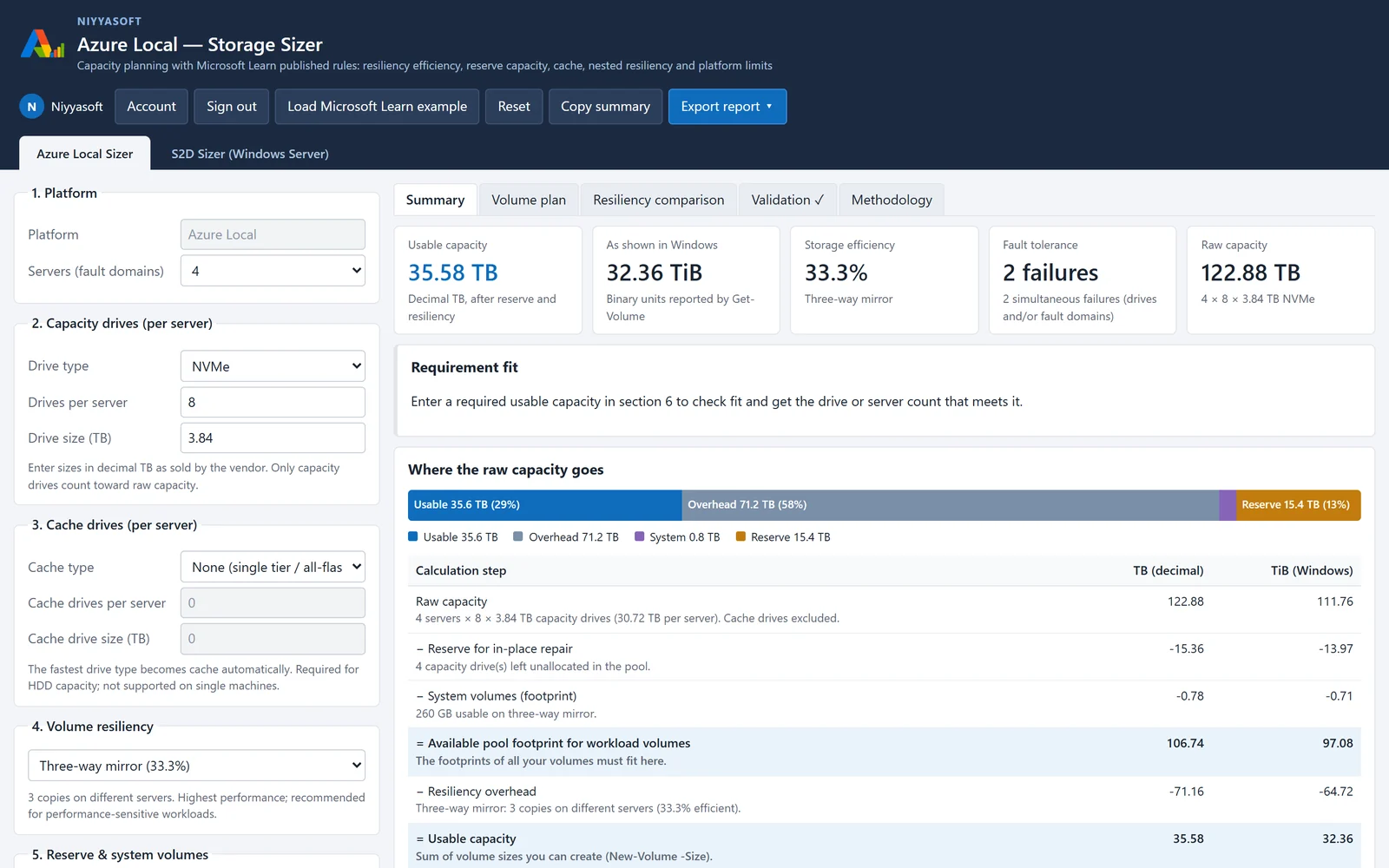

Azure Local Sizer
Planera lagringen för Azure Local och Storage Spaces Direct med Microsofts publicerade dimensioneringsregler.
Körs i webbläsaren Läs mer

Backup Storage Sizing Tool
Dimensionera backuplagring och bandbibliotek för Veeam, Commvault, Acronis, Rubrik och Cohesity.
Körs i webbläsaren Läs mer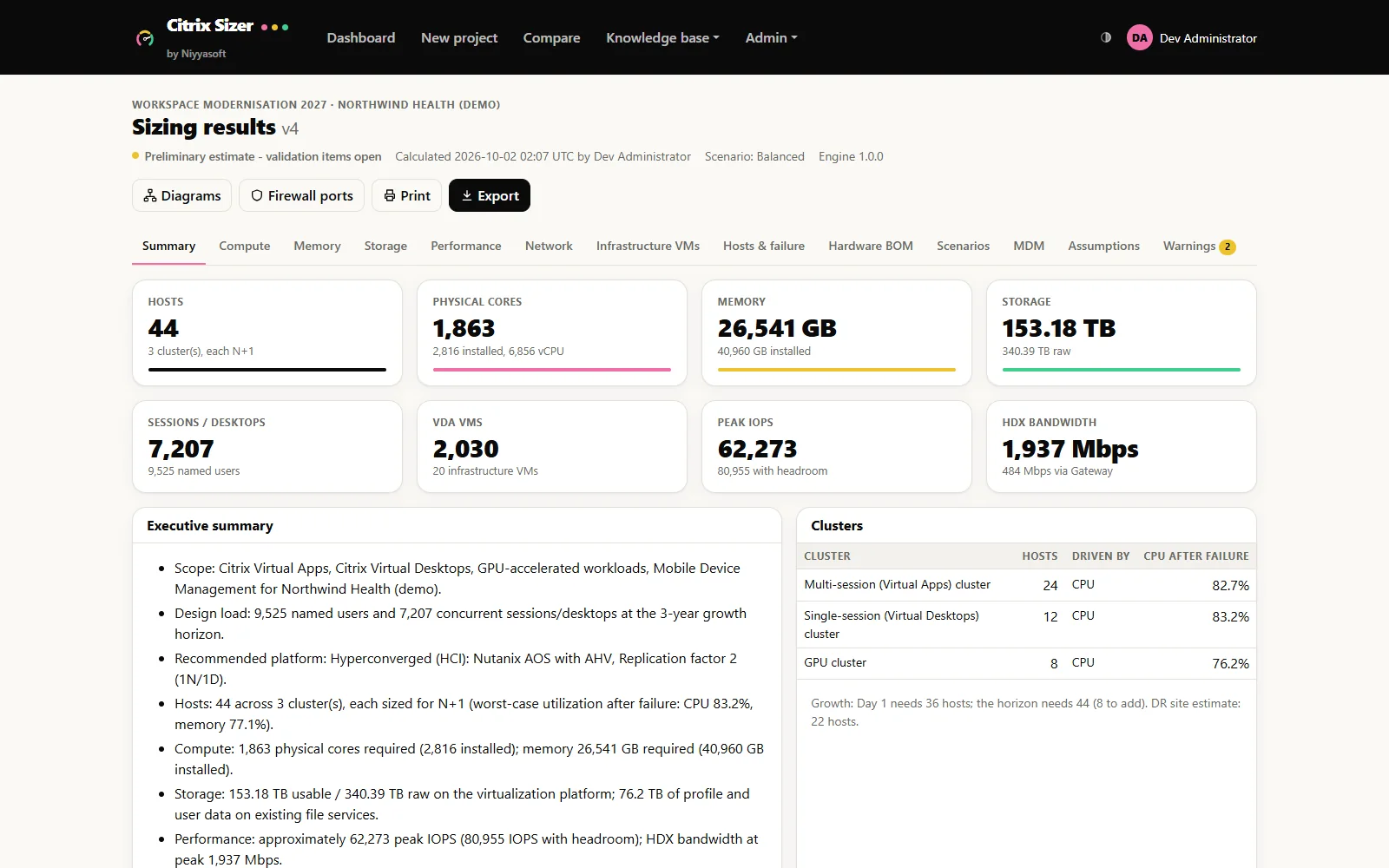

Citrix Sizer by Niyyasoft
Size Citrix Virtual Apps and Desktops from Citrix’s own documentation, design the platform, and export reports that agree with each other.
Körs i webbläsaren Läs mer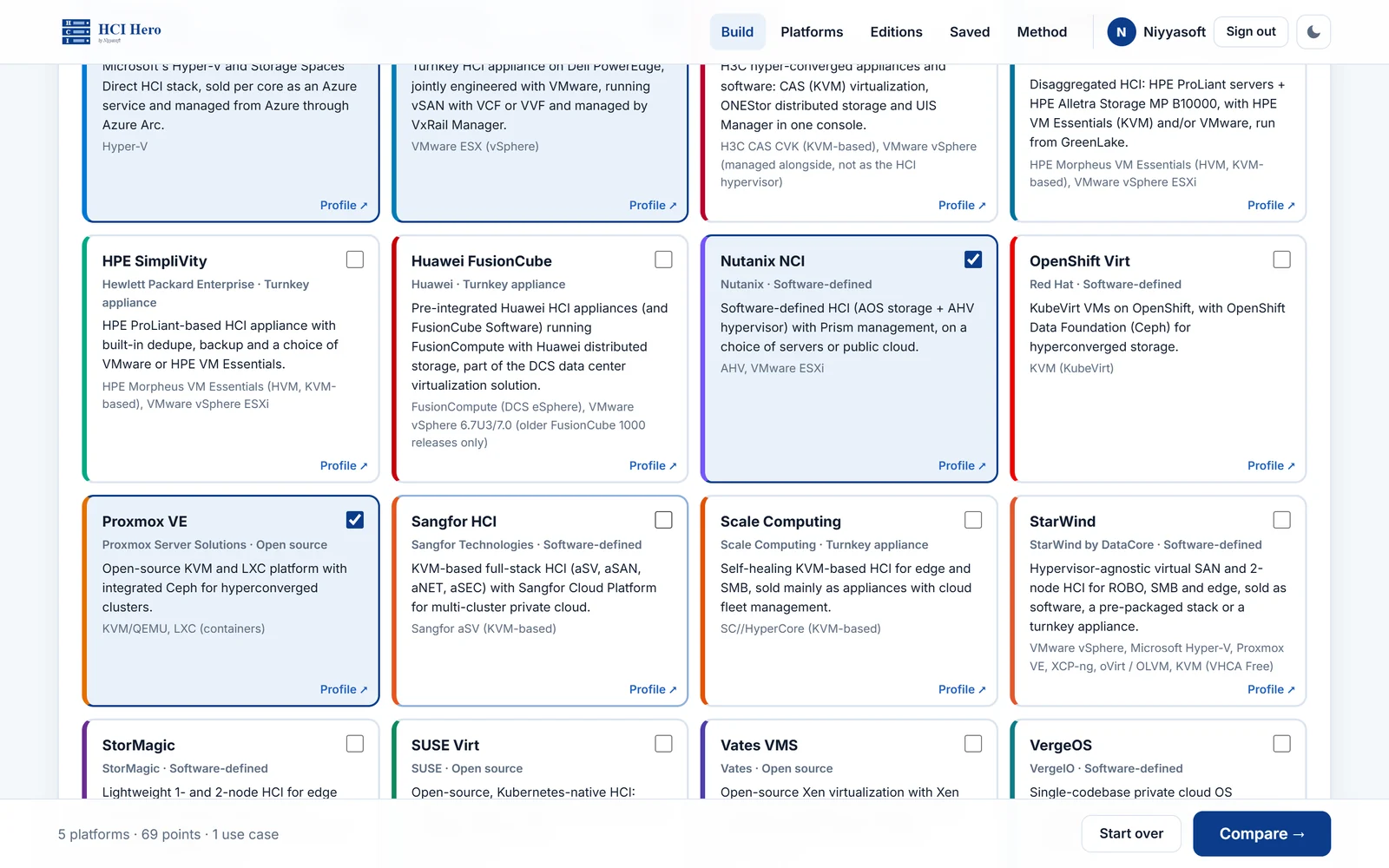

HCI Hero
Compare every hyperconverged platform side by side, answered from the OEMs' own documentation.
Körs i webbläsaren Läs mer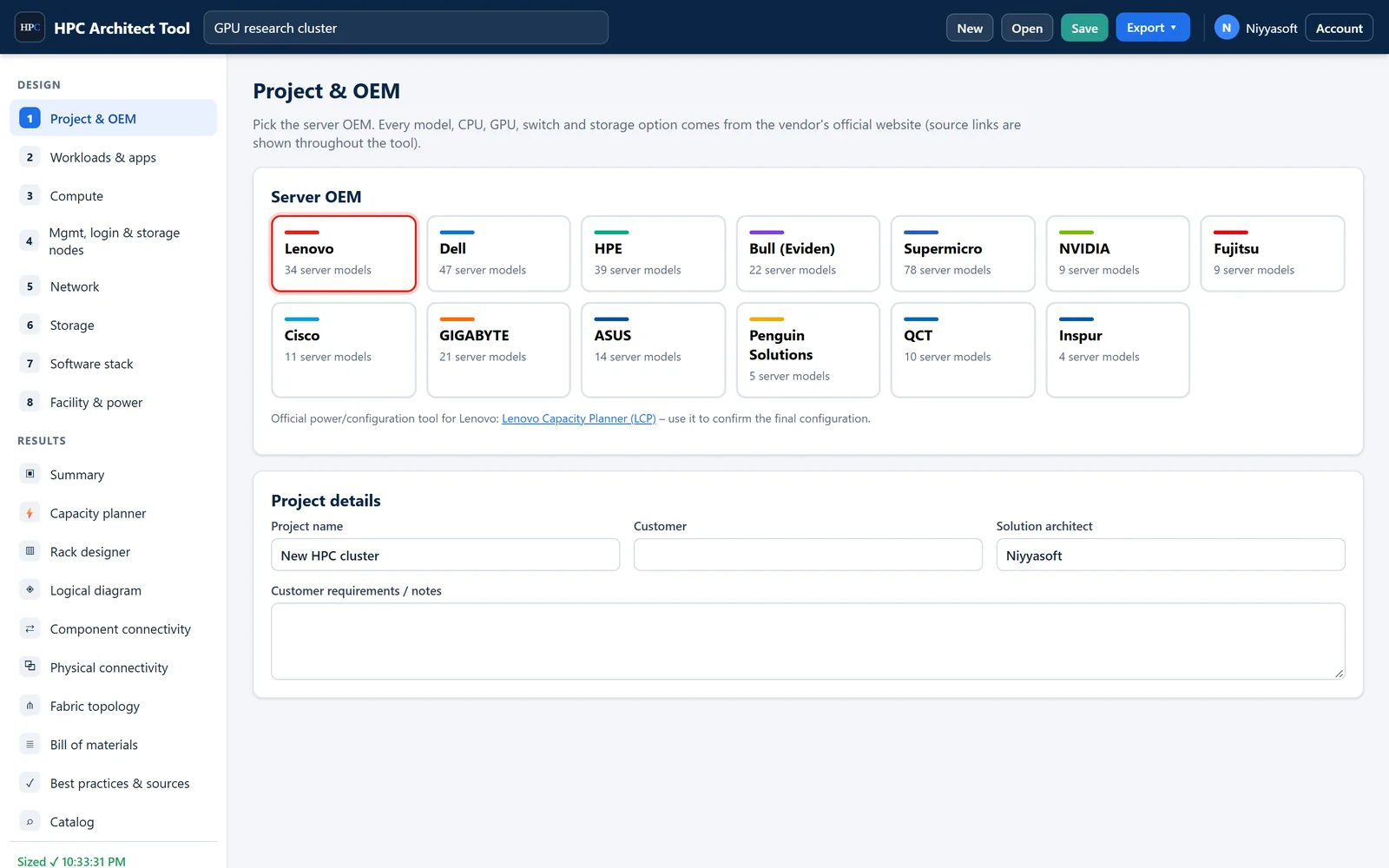

HPC Architect Tool
Dimensionera ett komplett HPC- eller AI-kluster – beräkning, GPU:er, fabric, lagring, programvara, effekt och rack – utifrån officiella leverantörsdata.
Körs i webbläsaren Läs mer

Microsoft License Assessment Tool (MLAT)
Skanna Microsoft-miljön, kontrollera varje Windows-licens och kluster och se exakt vilka licenser som saknas.
Windows-app Läs merLicensing Exposure & Re-architecture Advisor
Find out what Oracle, Microsoft and Broadcom can charge you for your virtual estate - before the audit letter arrives.
Körs i webbläsaren Läs mer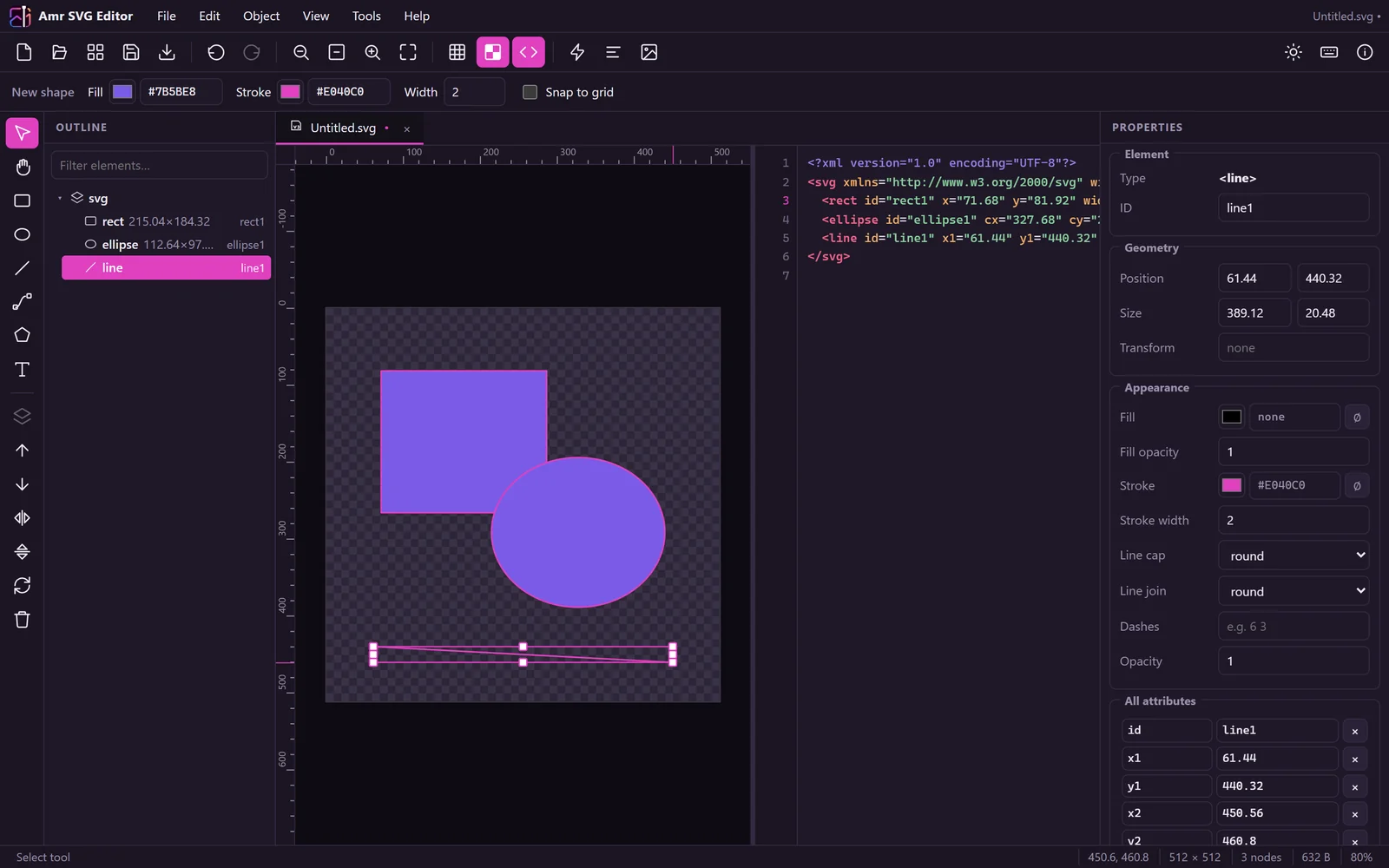

Niyya Magic Image
Rita, redigera och exportera SVG-grafik direkt i webbläsaren.
Körs i webbläsaren Läs mer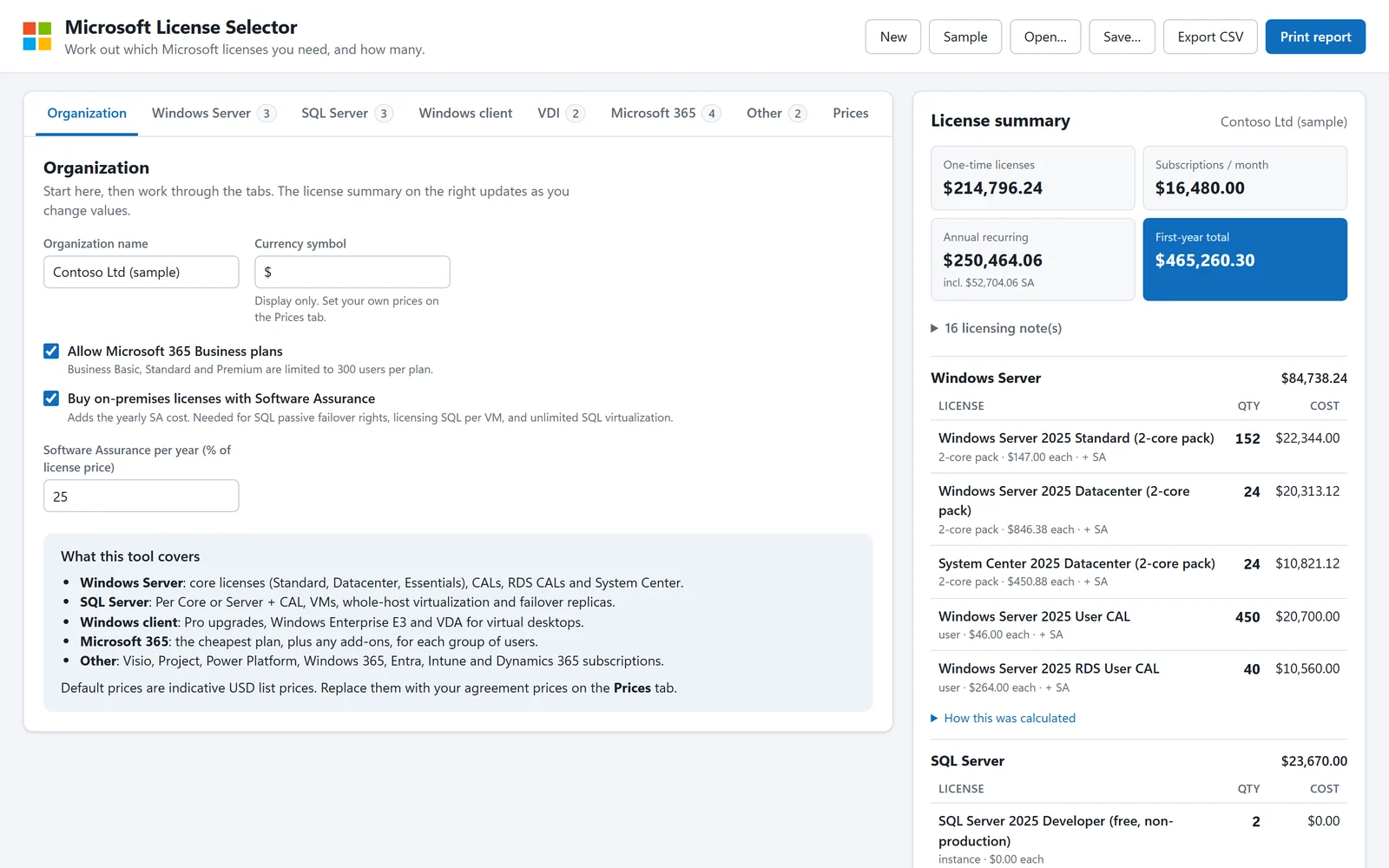

Microsoft License Selector
Hitta den Microsoft-licens som passar dina behov.
Körs i webbläsaren Läs mer

Migration Tool Selector
Välj rätt migreringsverktyg, se exakt vad det kostar och exportera designen.
Körs i webbläsaren Läs mer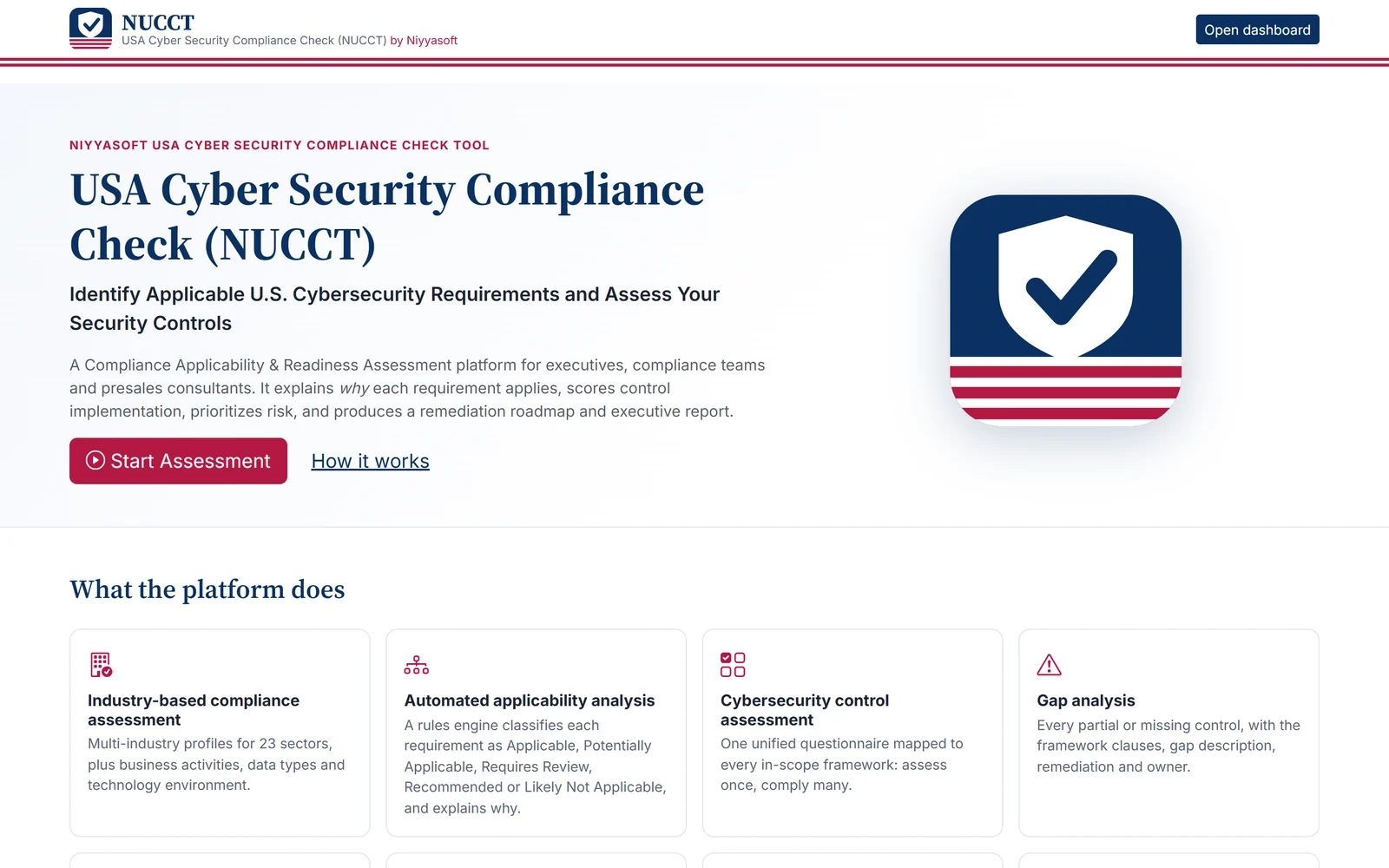

USA Cyber Security Compliance Check (NUCCT) by Niyyasoft
Find out which U.S. cybersecurity regulations and frameworks apply to your company and why, then get a scored readiness assessment and a plan to close every gap.
Körs i webbläsaren Läs mer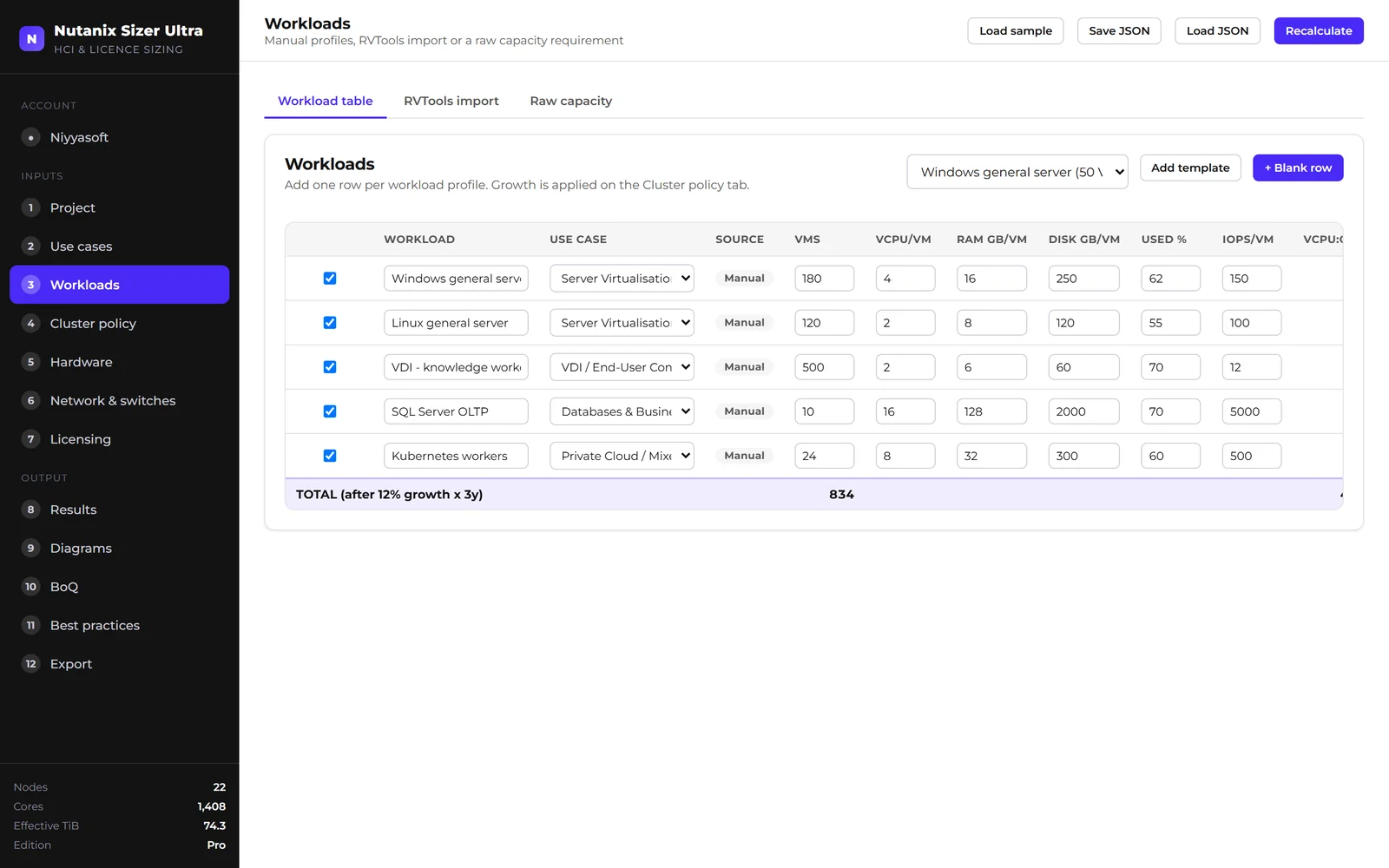

Nutanix Sizer Ultra
Förvandla en inventering av arbetslaster till en validerad klusterdesign för Nutanix.
Körs i webbläsaren Läs mer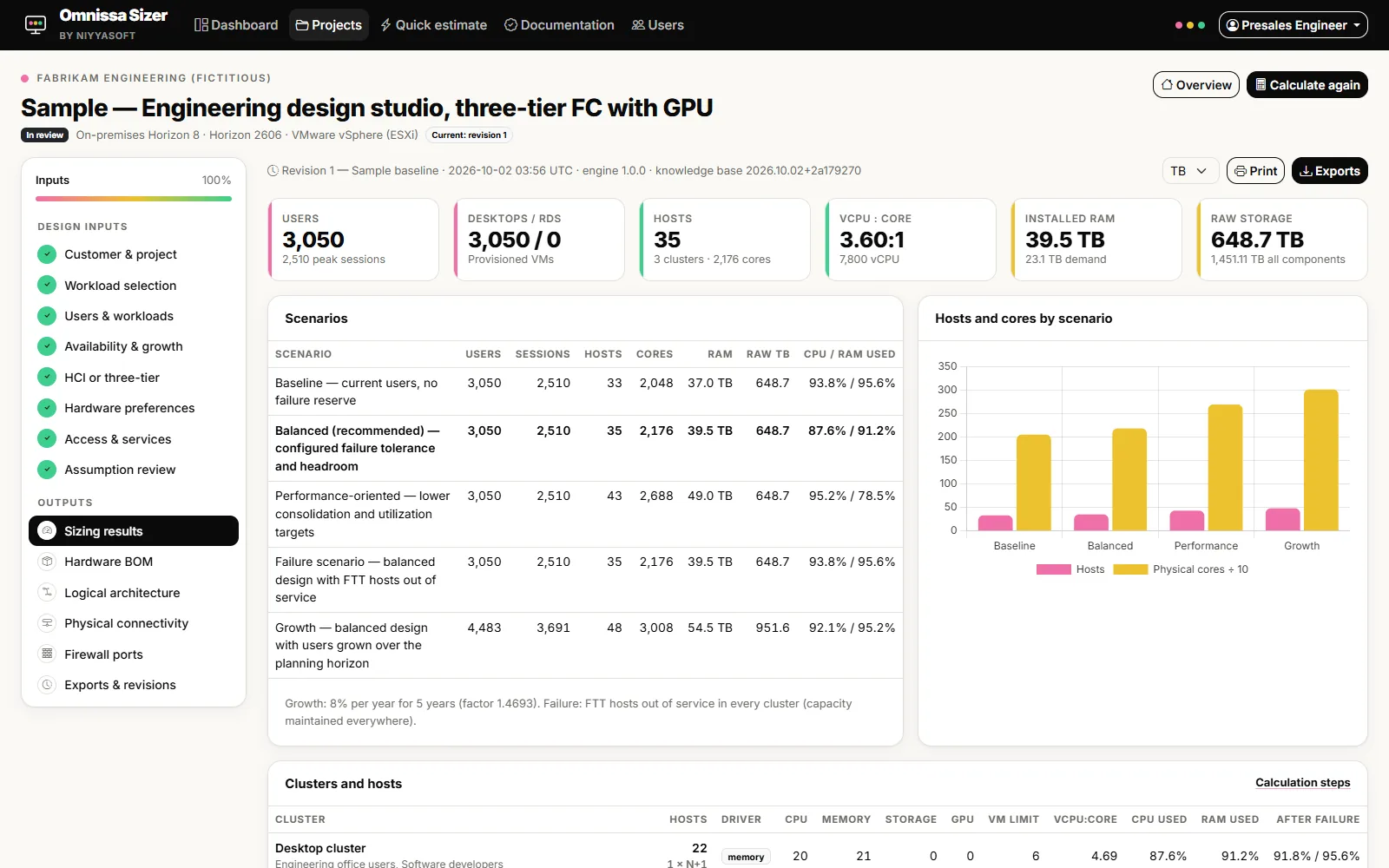

Omnissa Sizer by Niyyasoft
Size Omnissa Horizon from the official limits, design the platform, and export reports that agree with each other.
Körs i webbläsaren Läs mer

Niyya PDF Suite
Läs, redigera, signera och OCR-tolka PDF-filer och konvertera dem sedan till Word eller Excel. På engelska och arabiska.
Windows-app Läs mer

Niyya PDF Viewer
Läs PDF:er smidigt. Konvertera dem till Word med ett klick.
Windows-app Läs mer
Server Selector Tool
Enter the workload once and get the right server from 13 OEMs, scored by fit, with the designs to match.
Körs i webbläsaren Läs mer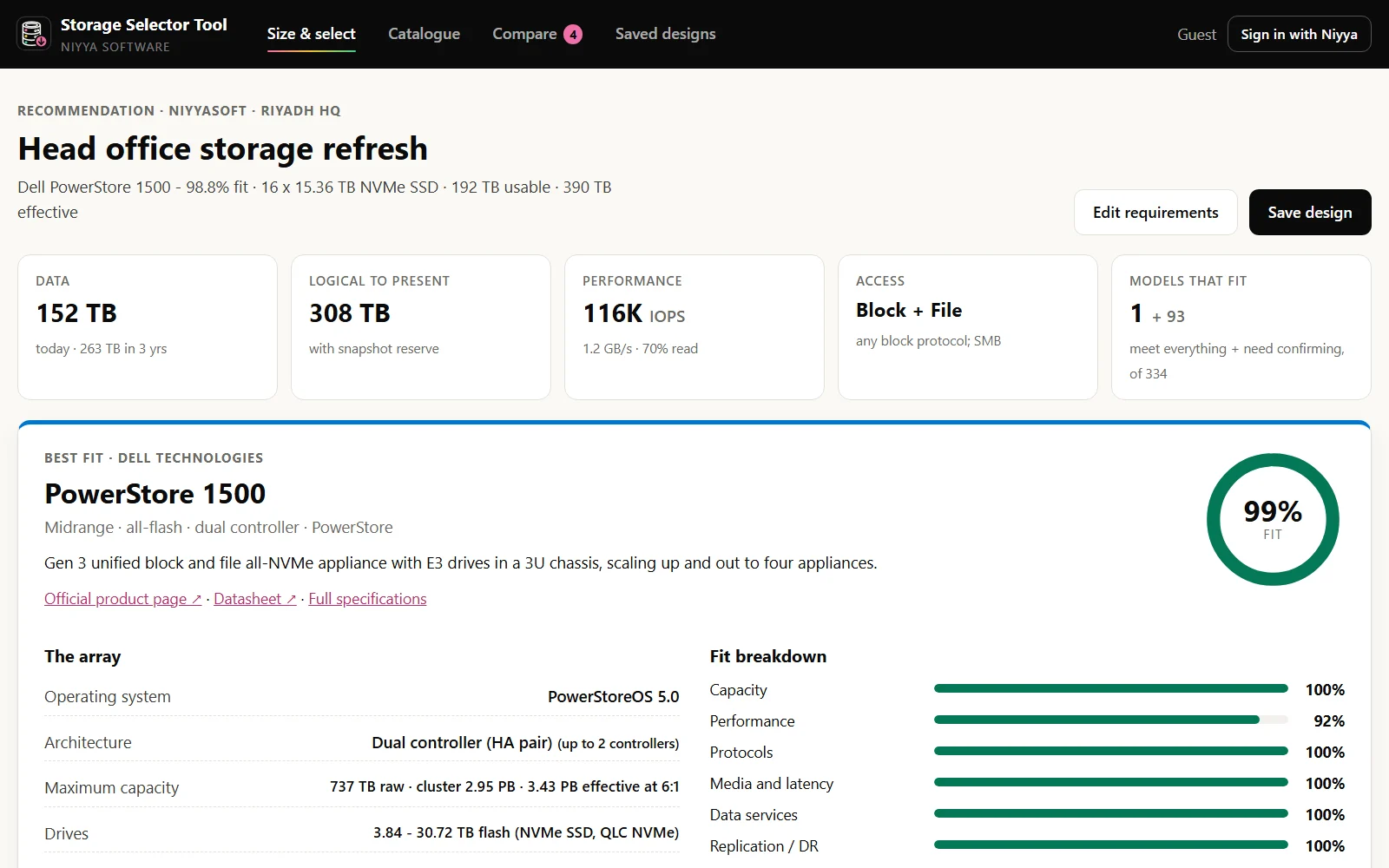

Storage Selector Tool
Beskriv arbetsbelastningarna och få rätt lagringssystem, dimensionerat med pooler, LUN:er, volymer och utdelningar, rangordnat efter matchning och med designerna som hör till.
Körs i webbläsaren Läs mer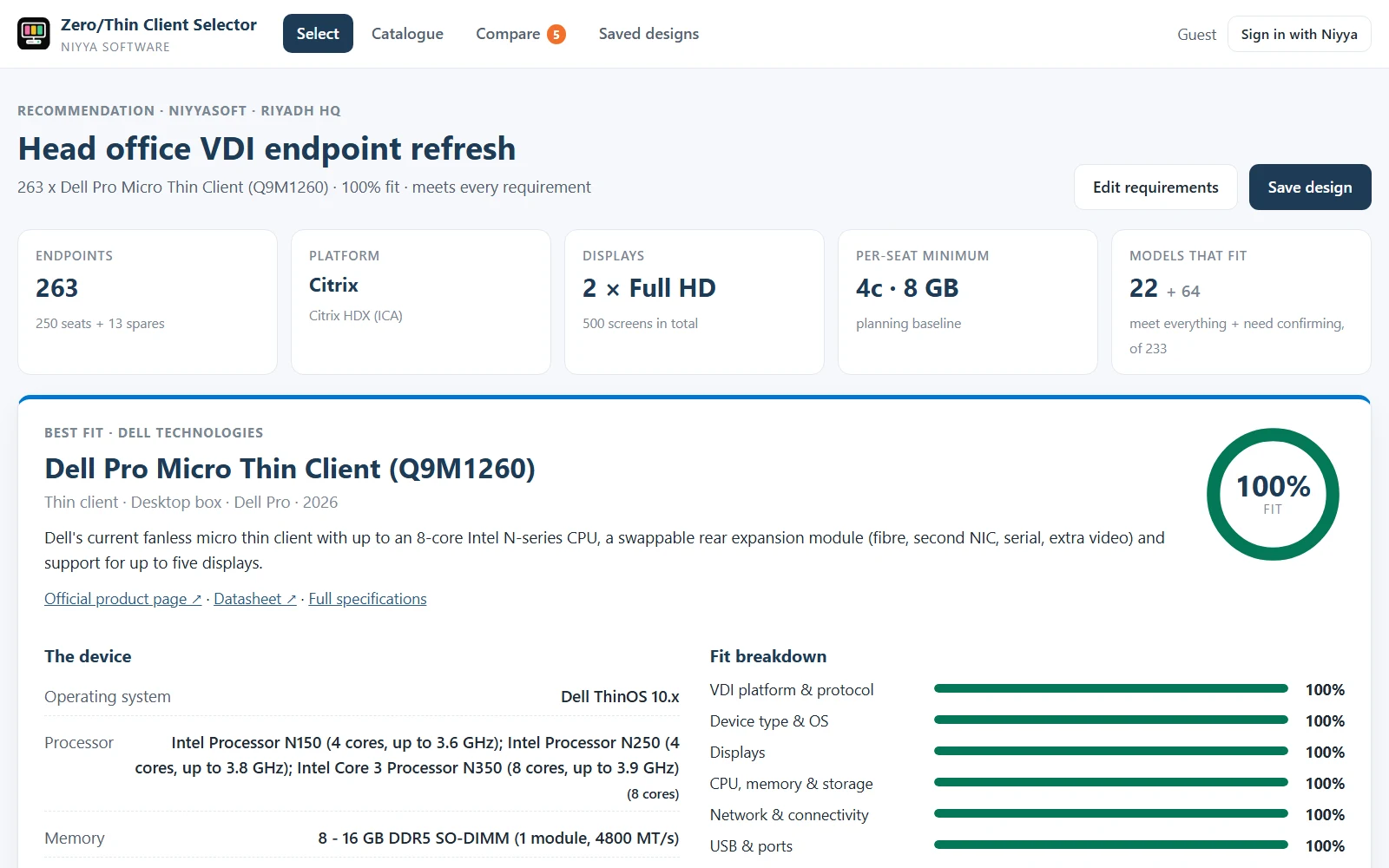

Zero/Thin Client Selector
Describe the VDI seat once and get the right thin or zero client from 35 OEMs, scored by fit, with the designs to match.
Körs i webbläsaren Läs mer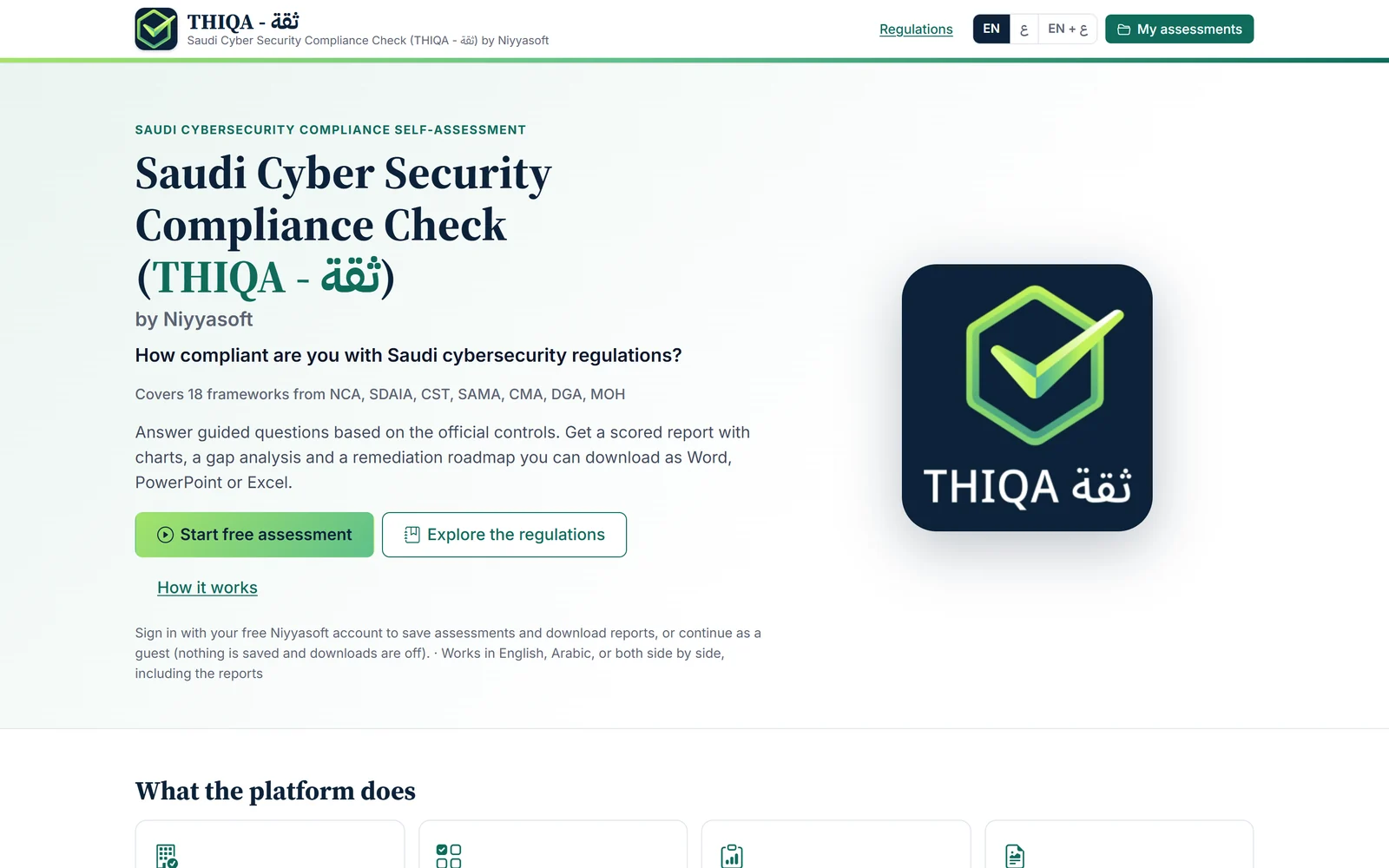

THIQA ثقة NCAC by Niyyasoft
Mät din organisation mot 18 saudiska ramverk för cybersäkerhet och dataskydd, och få en poängsatt rapport med en plan för att täppa till varje lucka.
Körs i webbläsaren Läs mer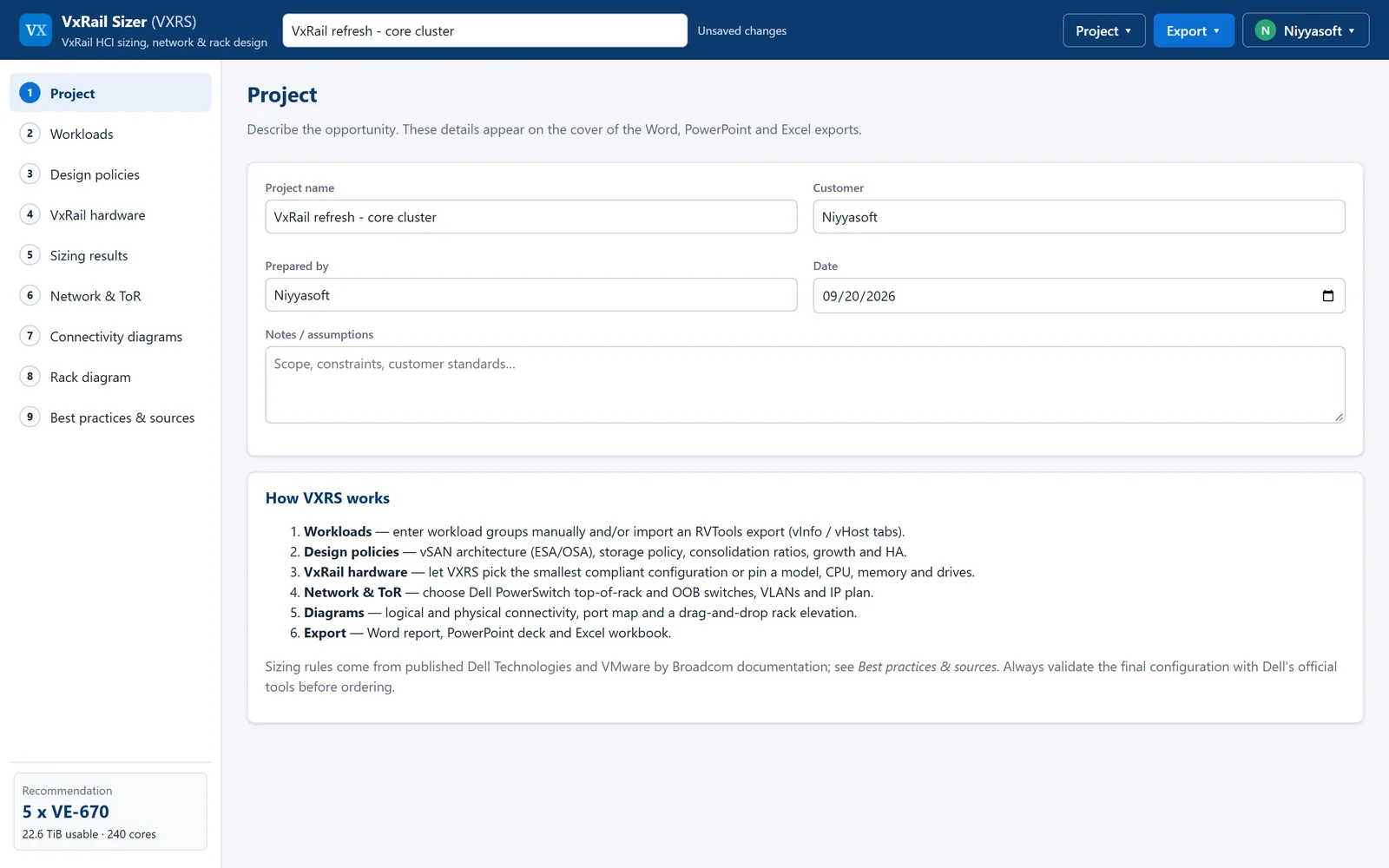

VxRail Sizer
Dimensionera Dell VxRail-kluster enligt bästa praxis från Dell och VMware, med nätverks- och rackdesign som matchar.
Körs i webbläsaren Läs mer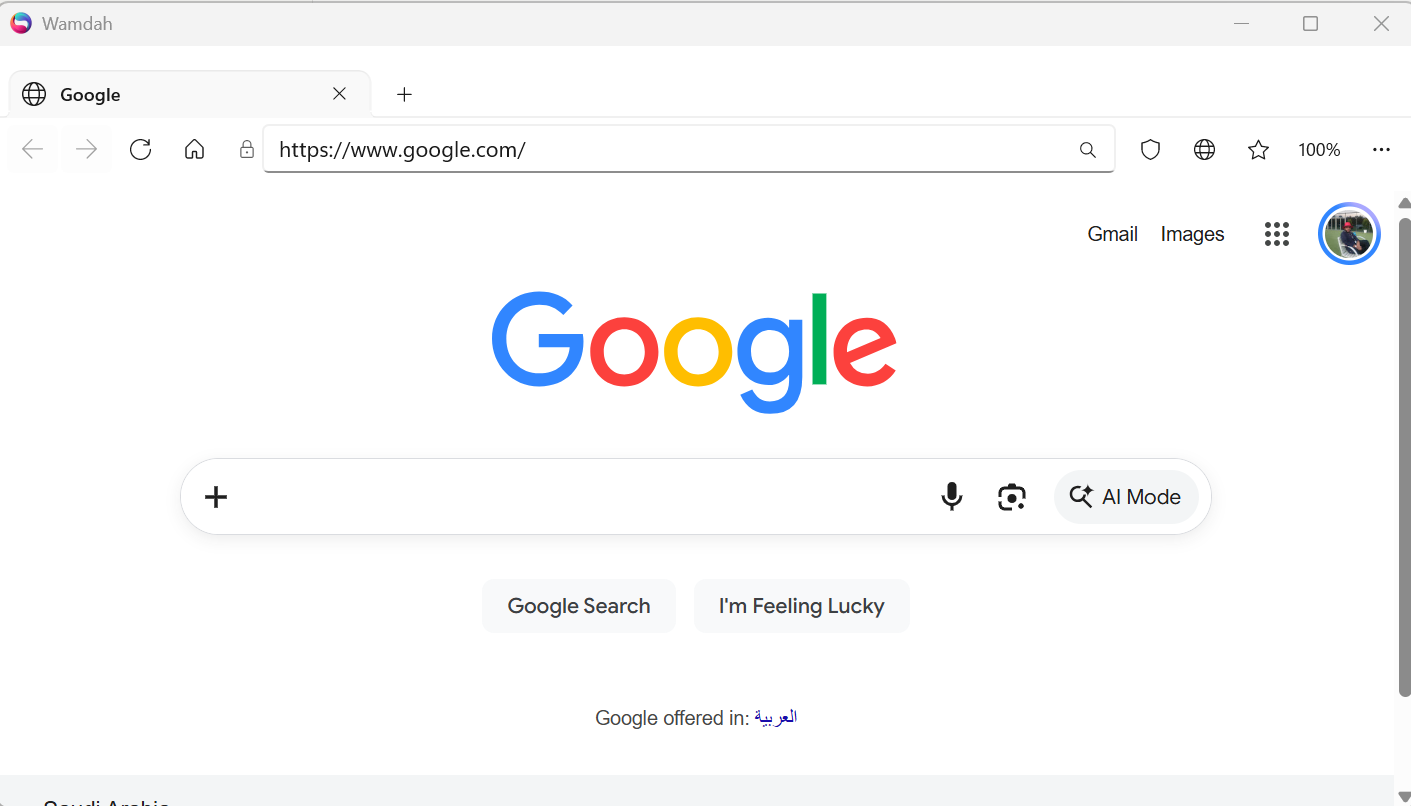

Wamdah Browser
En snabb, lätt och säker webbläsare för Windows.
Windows-app Läs merFrågor om den här produkten?
Frågor om licenser, volymköp eller en produkt som inte beter sig som den ska – skriv till oss så svarar vi.
Kontakta försäljning