WAF Sizing Tool
Size the WAF on requests and handshakes, not on the headline throughput.
Runs in your browser · Chrome, Edge, Firefox, or Safari · 7-day free trial with your niyyasoft.com account
Anyone can open the app and use it as a guest. Saving your work and exporting Word, PowerPoint, Excel or PDF need a free account.
Describe the applications once and WST sizes them across F5, Imperva and Citrix NetScaler using each vendor's own method — layer-7 requests per second, application throughput, new TLS handshakes per second and the connection table, never the headline figure on a datasheet. It picks the smallest platform that still has headroom, writes out every step of the arithmetic so the design survives a review, maps the licence SKUs each vendor actually needs (including the NetScaler Premium edition the WAF cannot run without, and the Imperva MX that gateways will not enforce policy without), draws the connectivity and inspection design with the chosen platform rendered as the real appliance, and exports the lot as Word, PowerPoint and Excel.
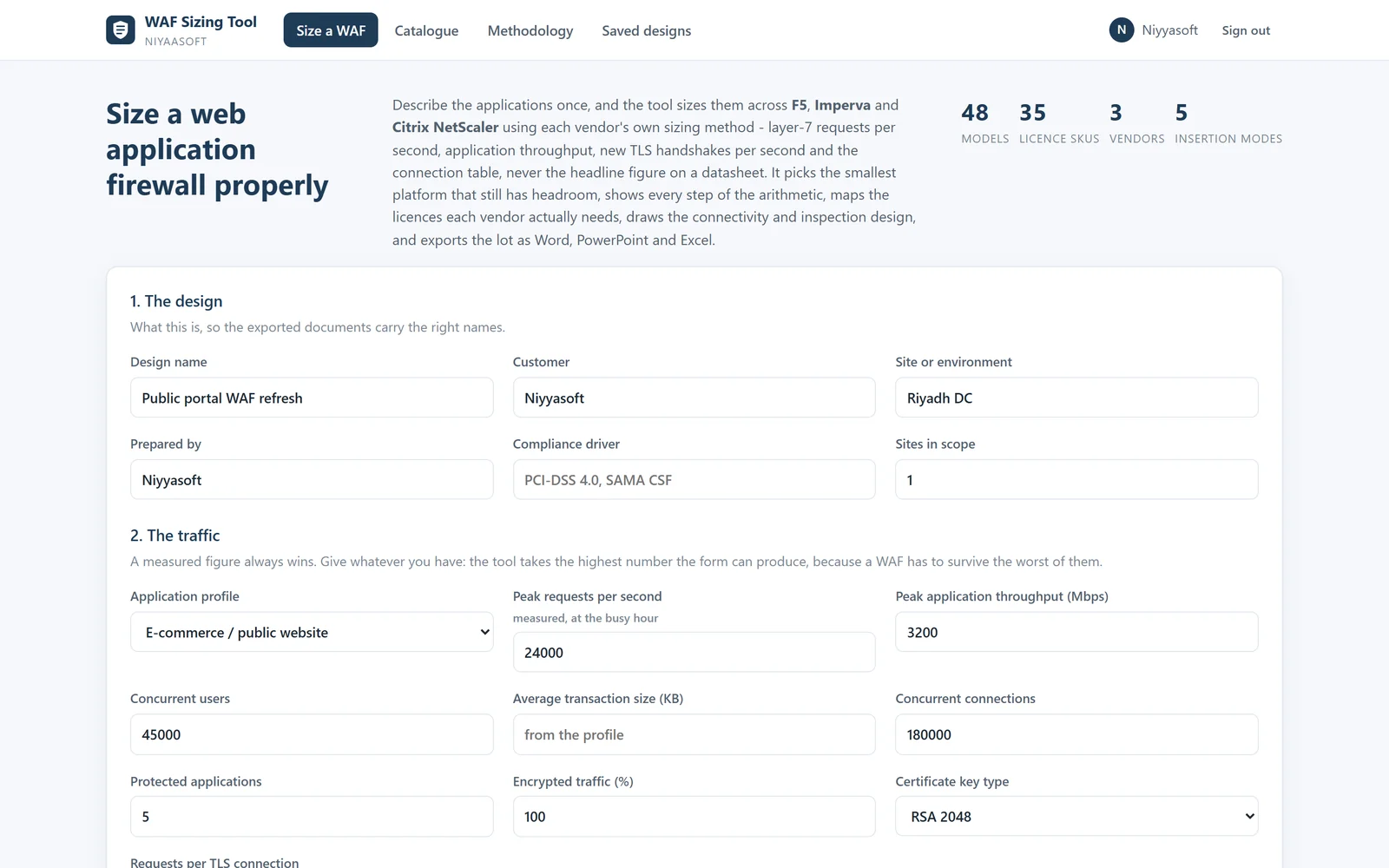


Real files, exported by the app itself. Open one to see exactly what you get before you start.
48 platforms and 35 licence SKUs across F5 (BIG-IP Advanced WAF on rSeries, iSeries, VELOS, Virtual Edition, NGINX App Protect and Distributed Cloud WAAP), Imperva (WAF Gateway X-series, virtual gateways and Cloud WAF) and Citrix NetScaler (MPX, SDX, VPX, BLX and CPX on Premium edition).
Sizing runs on layer-7 requests per second and new TLS handshakes per second, because a WAF parses every request and response rather than forwarding packets — the headline throughput on a datasheet is measured with no policy at all, and the tool says so.
Four figures are derived and every candidate is measured against all of them: WAF request rate, WAF throughput, TLS handshake rate at the key type in use, and the connection table.
Handshake load is sized separately from policy load, and the tool points out when moving the certificates from RSA-2048 to ECDSA P-256 would roughly double the available handshake capacity — usually cheaper than the next model up.
An active/active pair is sized at 100% per unit rather than 50%, because sizing a pair at half the load each works right up until the day a unit is lost. Clusters are sized so the loss of one node still leaves enough capacity.
Inspection cost, insertion mode, compounded growth, design headroom and the HA share are applied in order, and each step is written out with the reasoning behind it.
A platform is excluded when it fails request rate, throughput, TLS handshakes, the connection table, the application count, the insertion mode, its position in the estate or the form factor — and each rejected model lists the reasons.
Five insertion modes are modelled, and out-of-band monitoring is drawn honestly: production traffic goes around the WAF, and the design is marked as detection only rather than a control.
Two diagrams are drawn from the answers: physical connectivity from the client down to the database tier, and the inspection pipeline stage by stage. The WAF is drawn as the real appliance — chassis, rack ears, vendor wordmark, LCD panel, status LEDs and the port layout the chosen model actually has.
Exports are real Office files — a full Word design document, an eleven-slide deck with editable tables, and an eleven-sheet workbook including the bill of materials and the whole catalogue marked pass or fail against your design.
The recommendation is a starting point, not a verdict: pick any other platform and the diagrams, licences and exports all follow it — an undersized choice is kept and flagged, never silently corrected.
Performance figures are held for relative sizing and every vendor links to its data sheet, because the final model must always be confirmed against the current one before quoting.
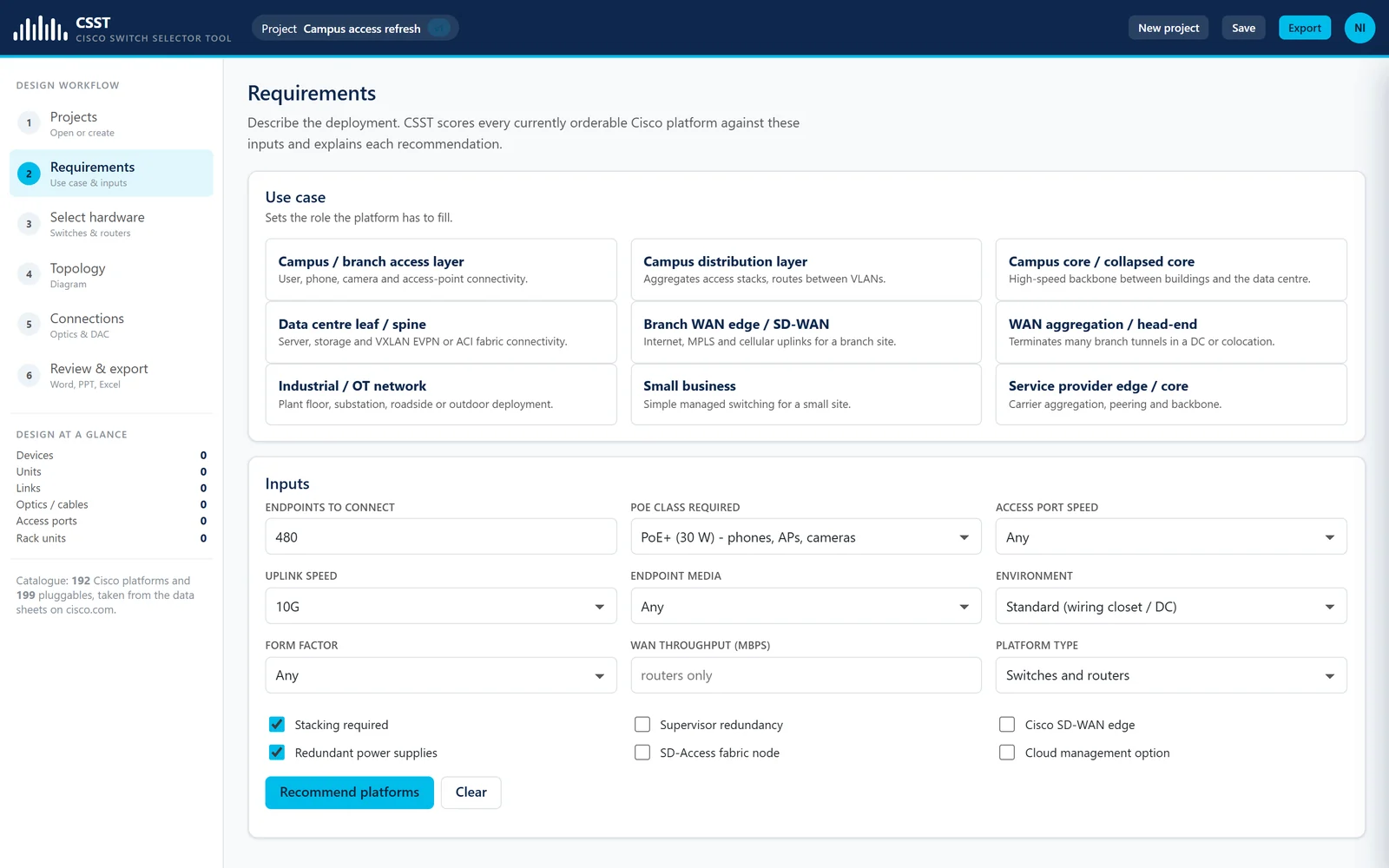

Cisco Switch Selector Tool
Pick the right Cisco switch, cable every link, and export the design.
Runs in your browser Learn more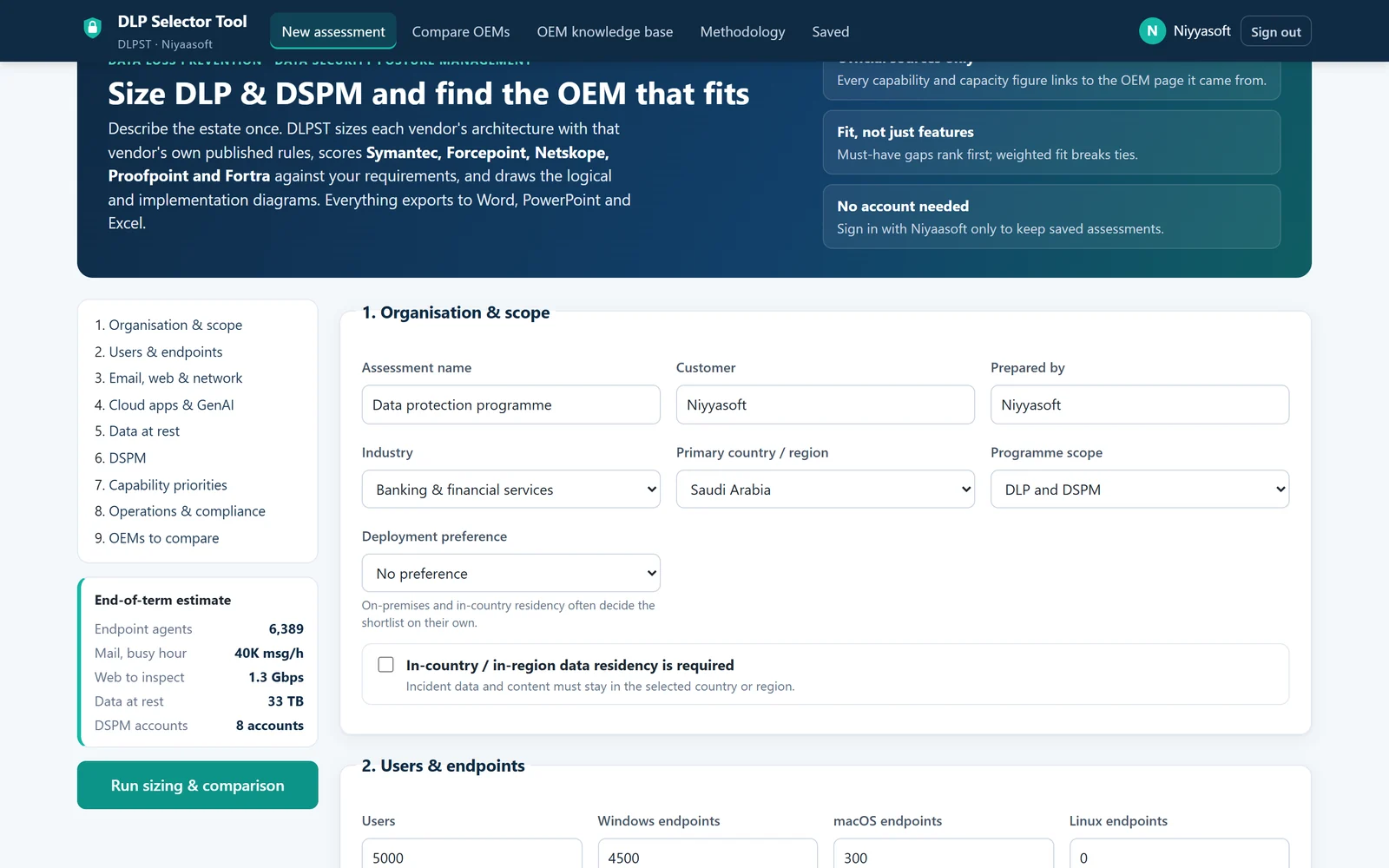

DLP Selector Tool
Size DLP and DSPM across five OEMs from their own official data, and see which one really fits.
Runs in your browser Learn more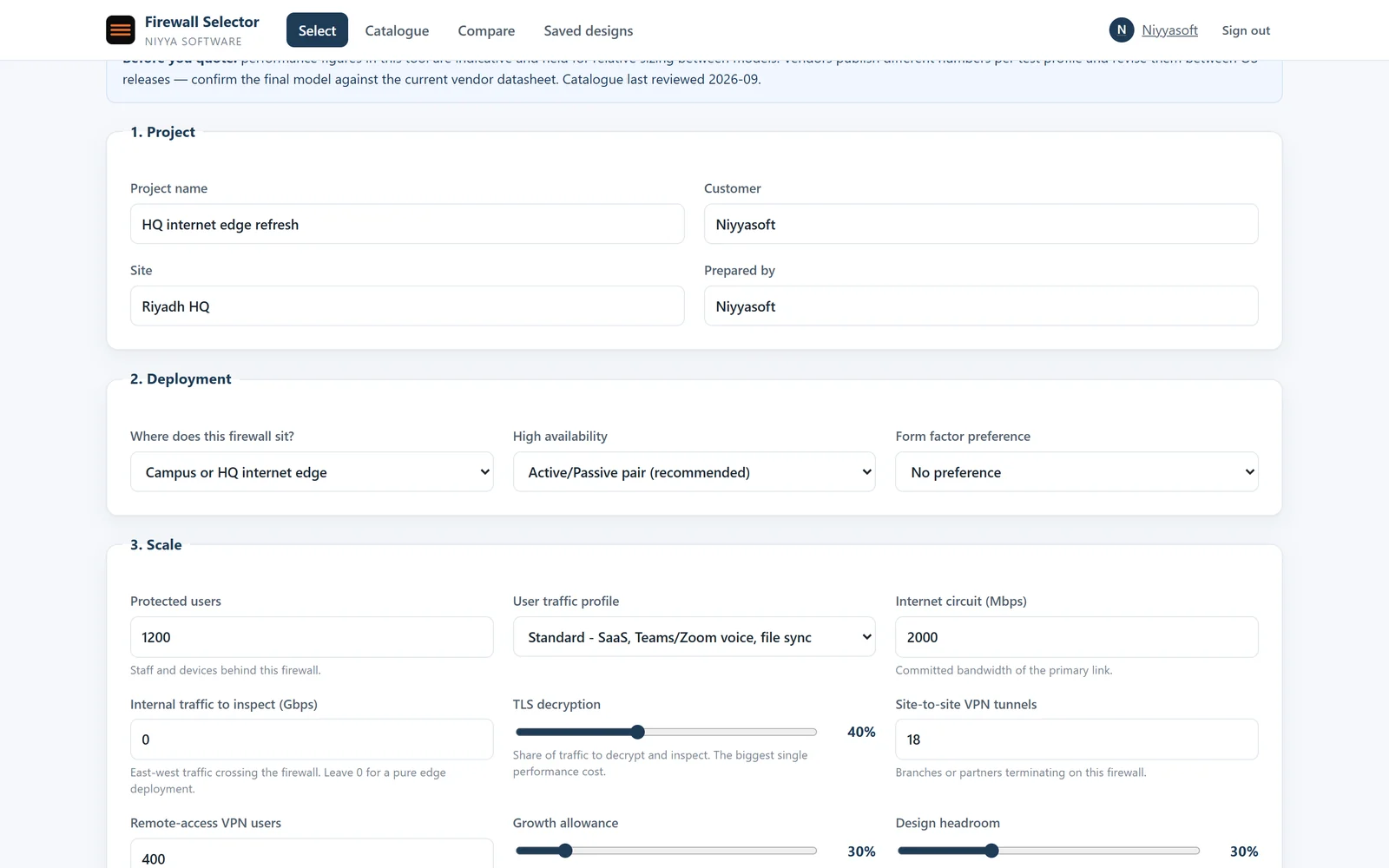

Firewall Selector Tool
Size the firewall properly, pick the licences, and export the design.
Runs in your browser Learn more

WiFi Site Survey Tool
Place the access points on the real floor plan, prove the coverage, and export the design.
Runs in your browser Learn more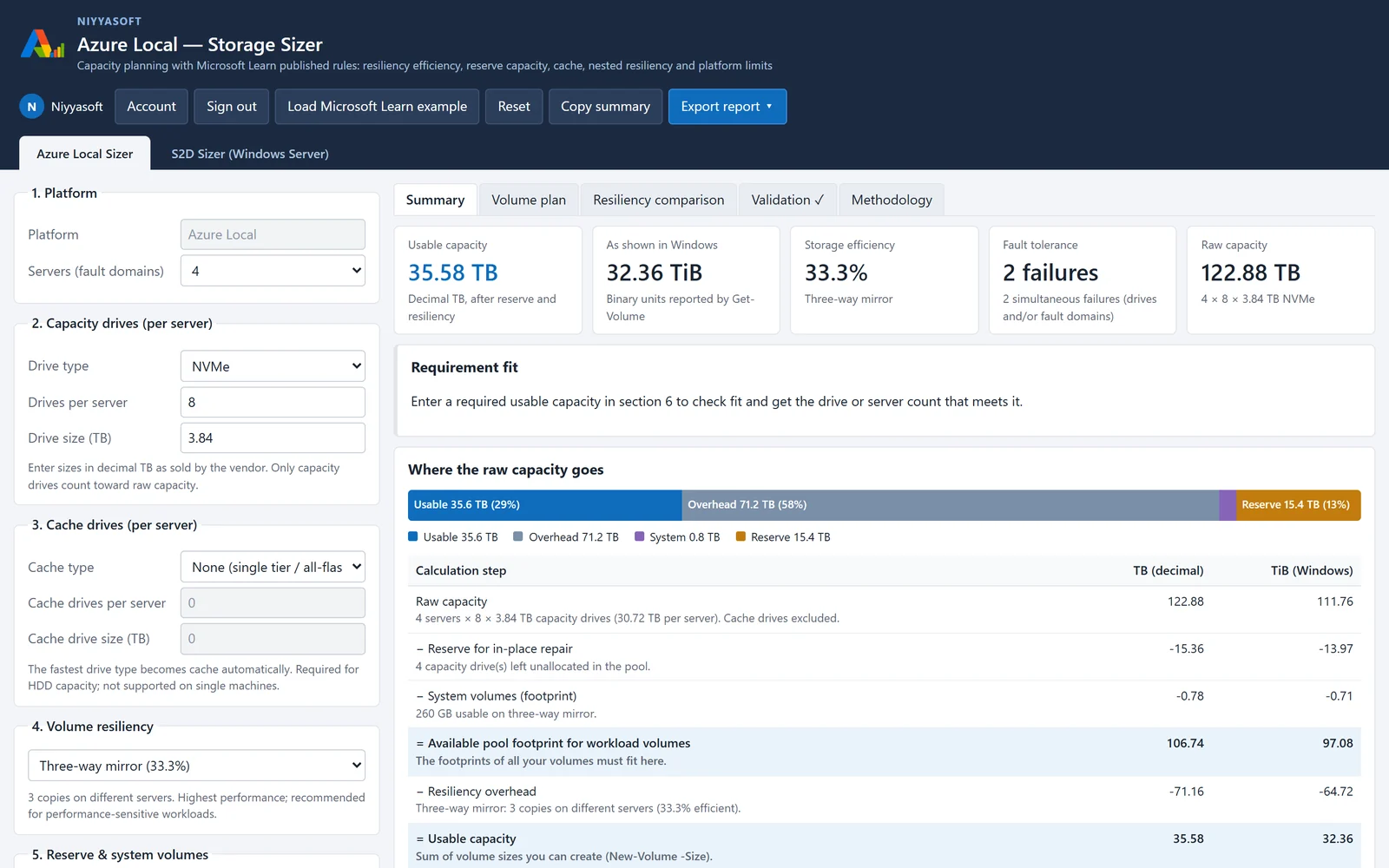

Azure Local Sizer
Plan Azure Local and Storage Spaces Direct storage with Microsoft’s published sizing rules.
Runs in your browser Learn more

Backup Storage Sizing Tool
Size backup storage and tape libraries for Veeam, Commvault, Acronis, Rubrik and Cohesity.
Runs in your browser Learn more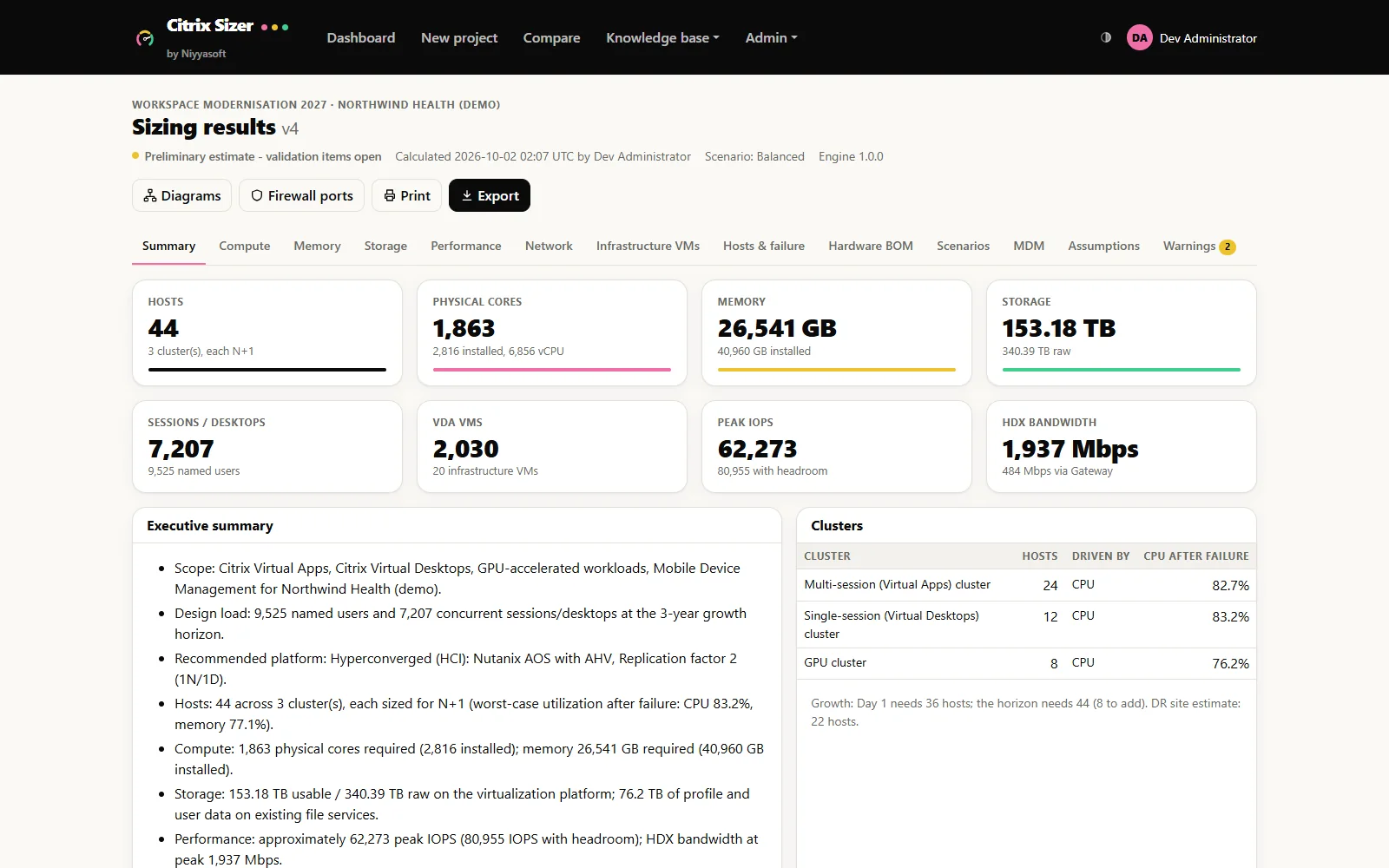

Citrix Sizer by Niyyasoft
Size Citrix Virtual Apps and Desktops from Citrix’s own documentation, design the platform, and export reports that agree with each other.
Runs in your browser Learn more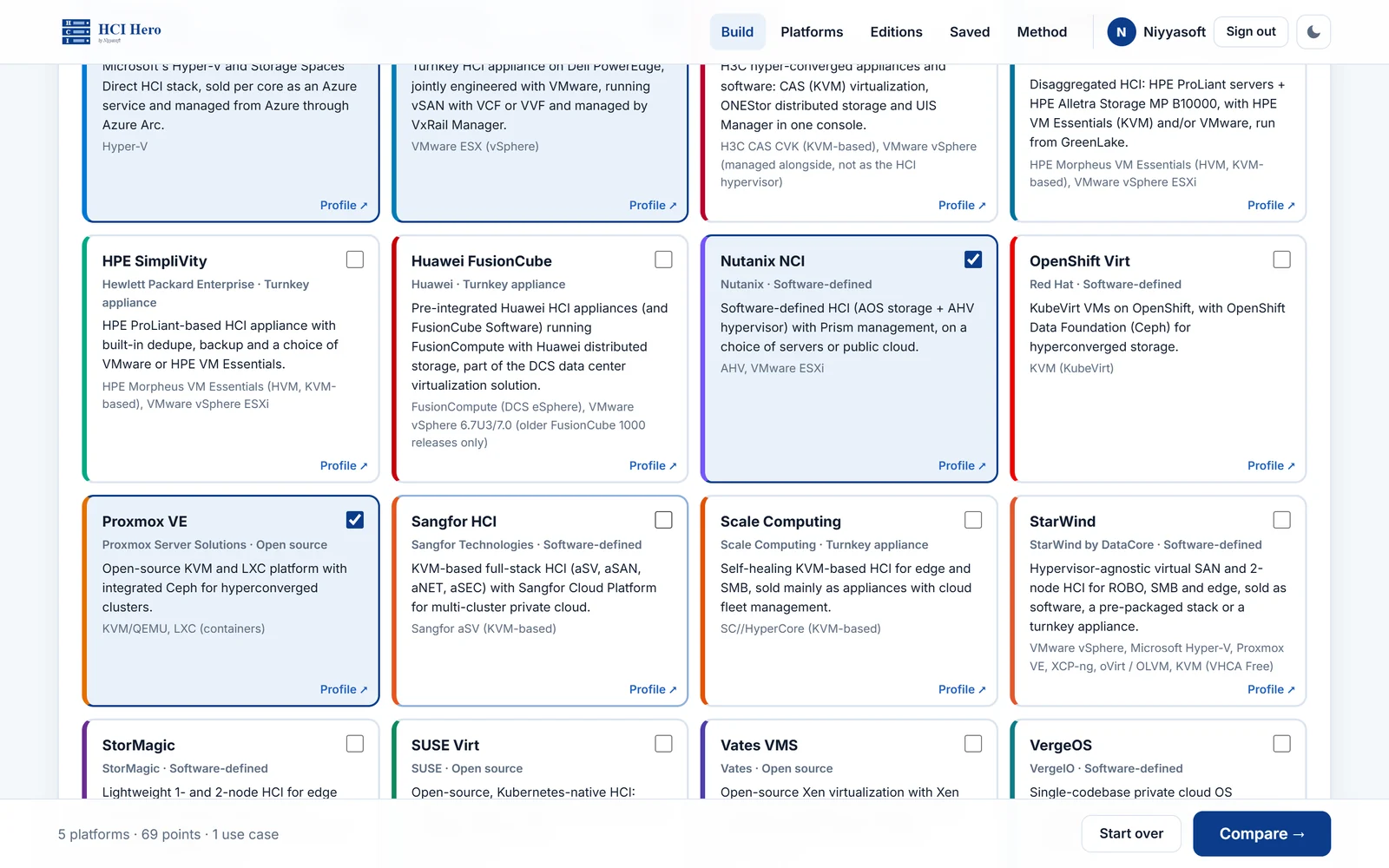

HCI Hero
Compare every hyperconverged platform side by side, answered from the OEMs' own documentation.
Runs in your browser Learn more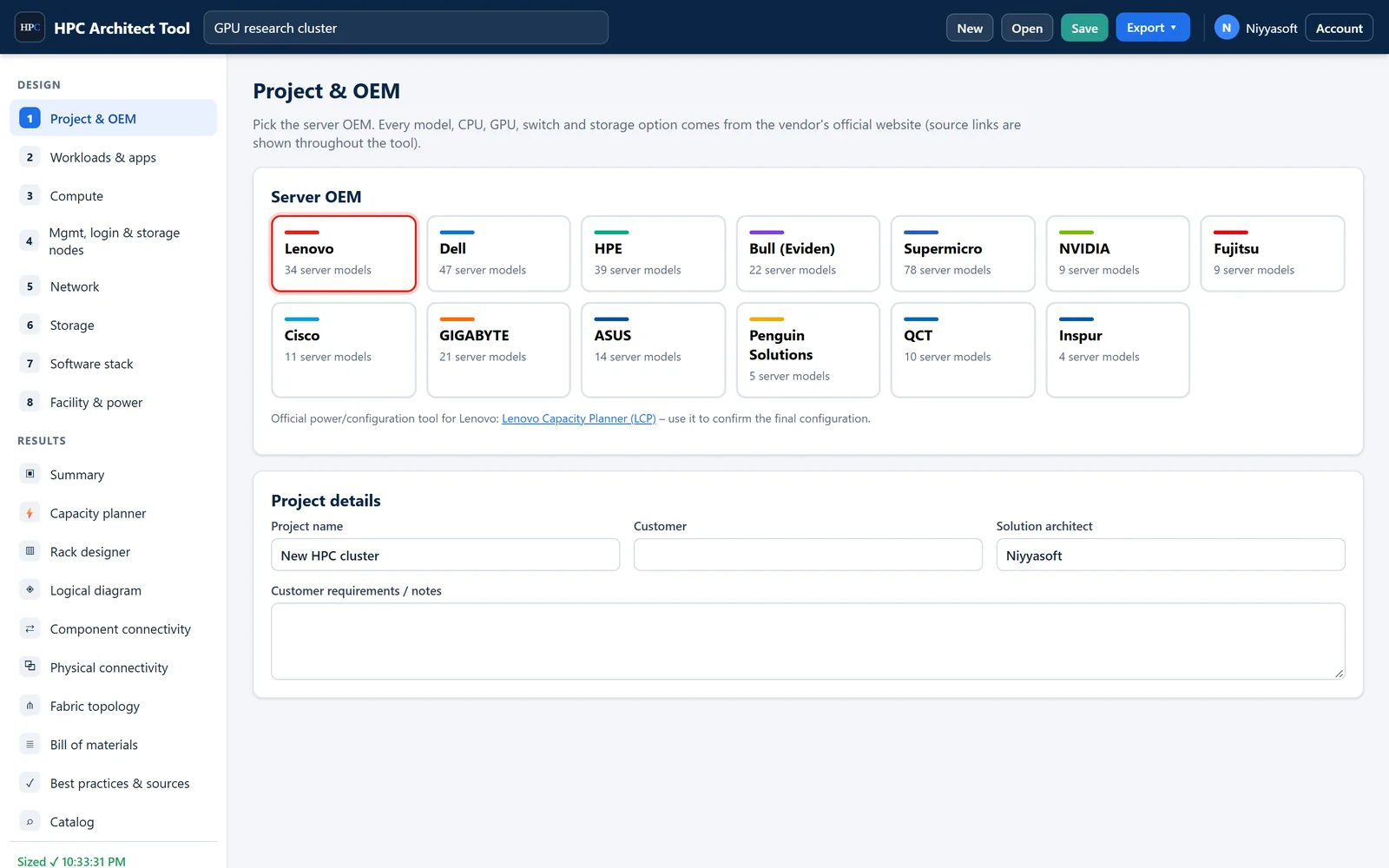

HPC Architect Tool
Size a complete HPC or AI cluster – compute, GPUs, fabric, storage, software, power and racks – from official vendor data.
Runs in your browser Learn more

Microsoft License Assessment Tool (MLAT)
Scan the Microsoft estate, check every Windows license and cluster, and see exactly which licenses are missing.
Windows app Learn moreLicensing Exposure & Re-architecture Advisor
Find out what Oracle, Microsoft and Broadcom can charge you for your virtual estate - before the audit letter arrives.
Runs in your browser Learn more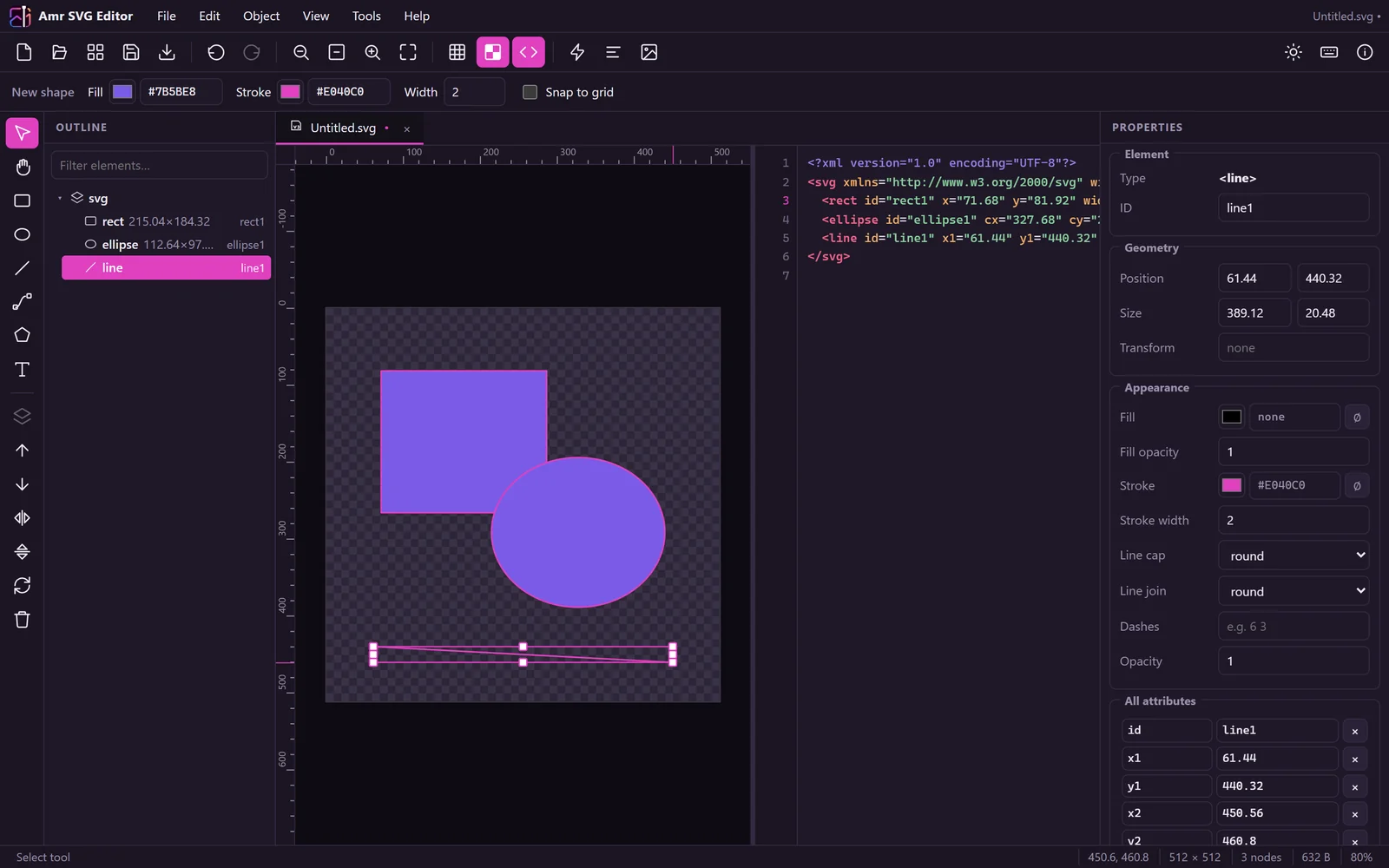

Niyya Magic Image
Draw, edit, and export SVG graphics right in your browser.
Runs in your browser Learn more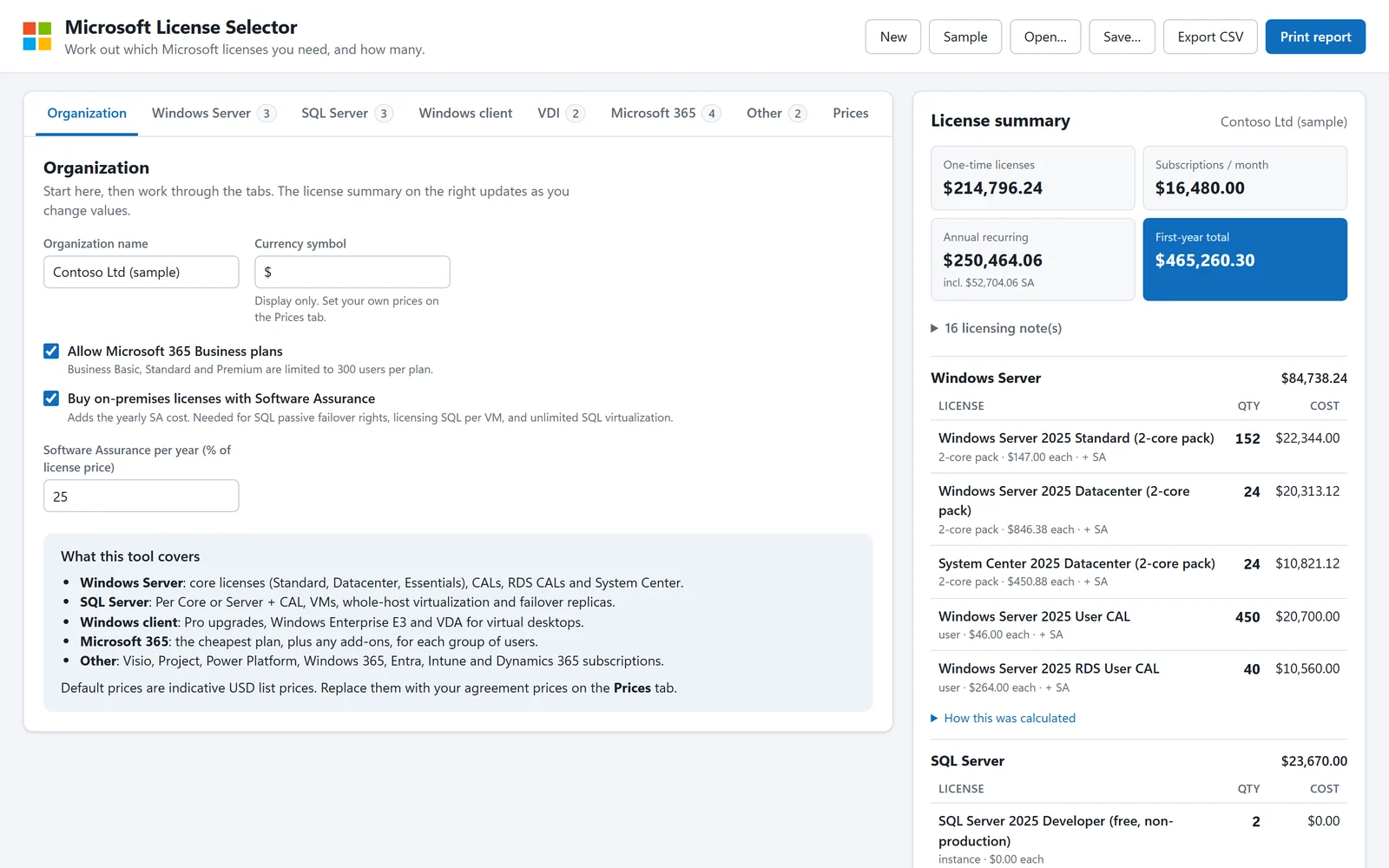

Microsoft License Selector
Work out exactly which Microsoft licenses you need, how many, and what they cost.
Runs in your browser Learn more

Migration Tool Selector
Pick the right migration tool, know exactly what it costs, and export the design.
Runs in your browser Learn more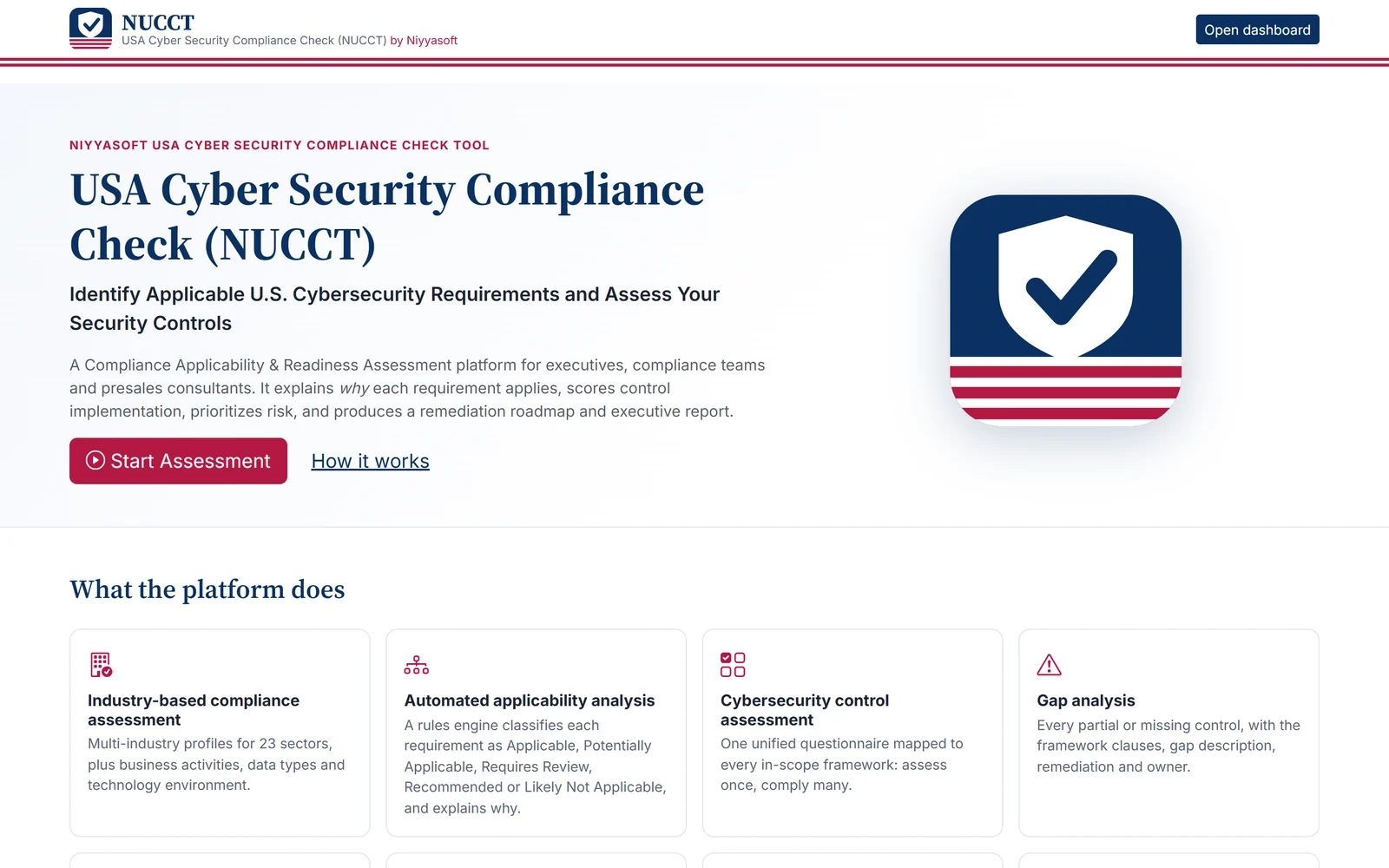

USA Cyber Security Compliance Check (NUCCT) by Niyyasoft
Find out which U.S. cybersecurity regulations and frameworks apply to your company and why, then get a scored readiness assessment and a plan to close every gap.
Runs in your browser Learn more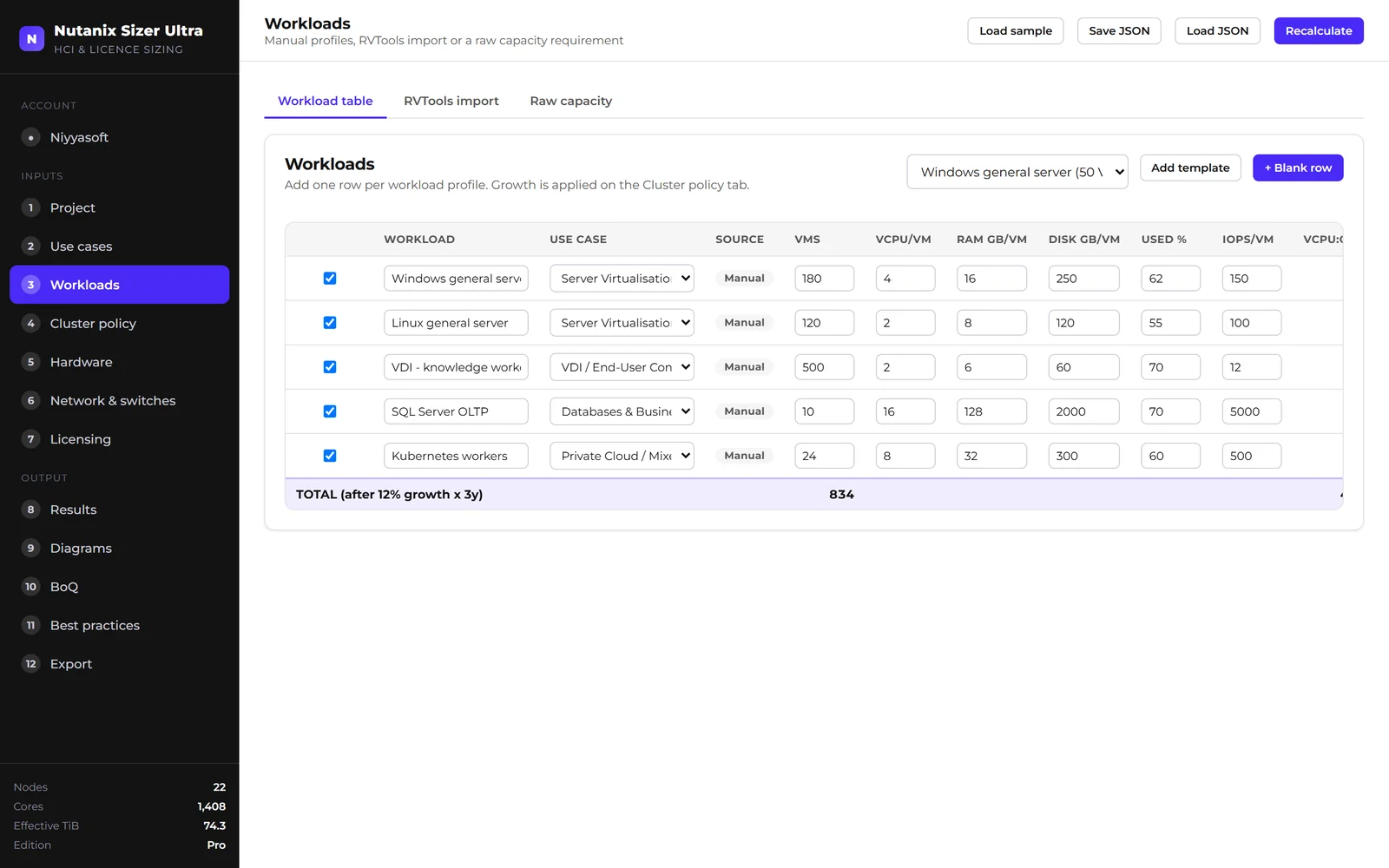

Nutanix Sizer Ultra
Turn a workload inventory into a validated Nutanix cluster design.
Runs in your browser Learn more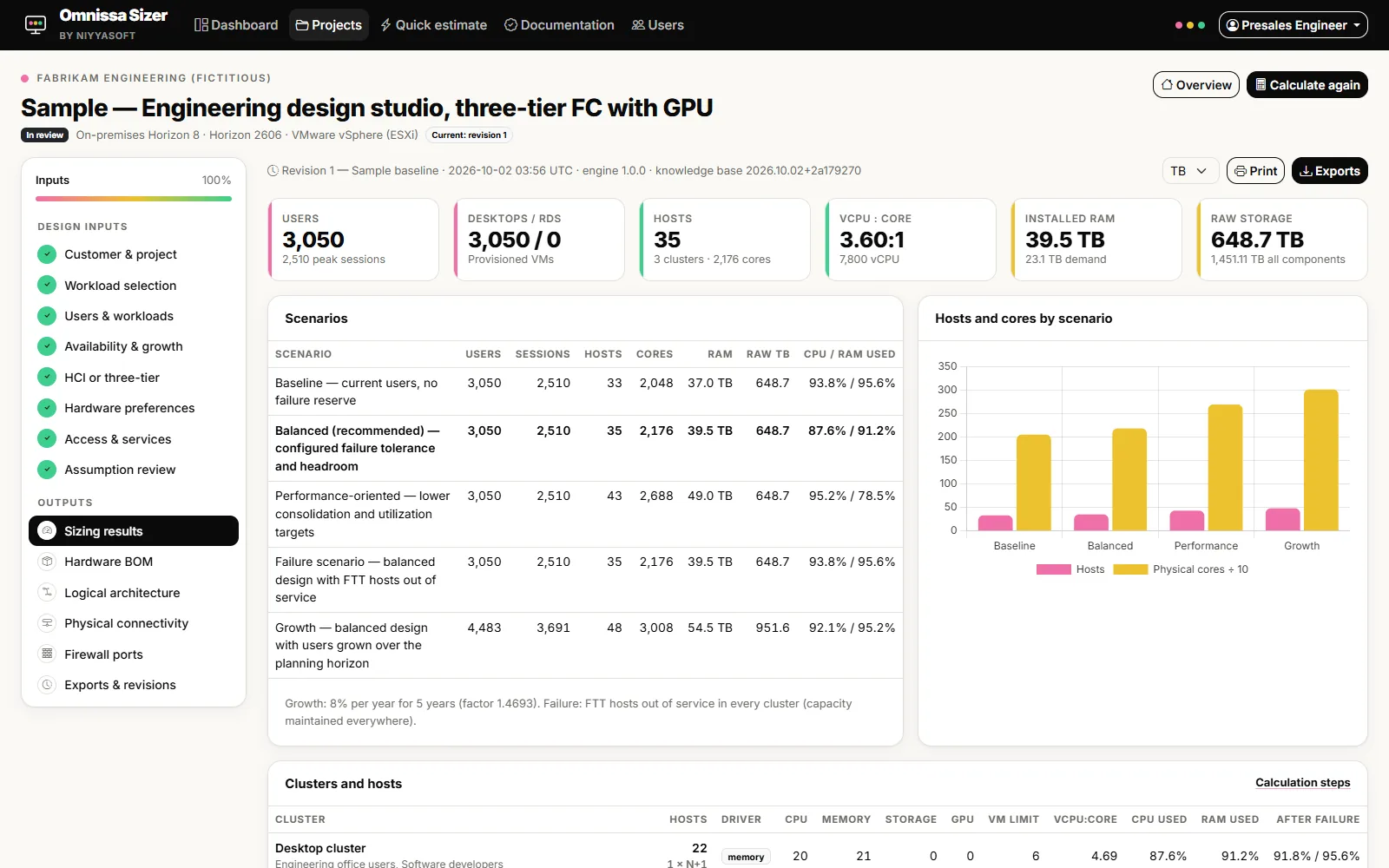

Omnissa Sizer by Niyyasoft
Size Omnissa Horizon from the official limits, design the platform, and export reports that agree with each other.
Runs in your browser Learn more

Niyya PDF Suite
Read, edit, sign and OCR PDFs, then convert them to Word or Excel. In English and Arabic.
Windows app Learn more

Niyya PDF Viewer
Read PDFs smoothly. Convert them to Word in one click.
Windows app Learn more
Server Selector Tool
Enter the workload once and get the right server from 13 OEMs, scored by fit, with the designs to match.
Runs in your browser Learn more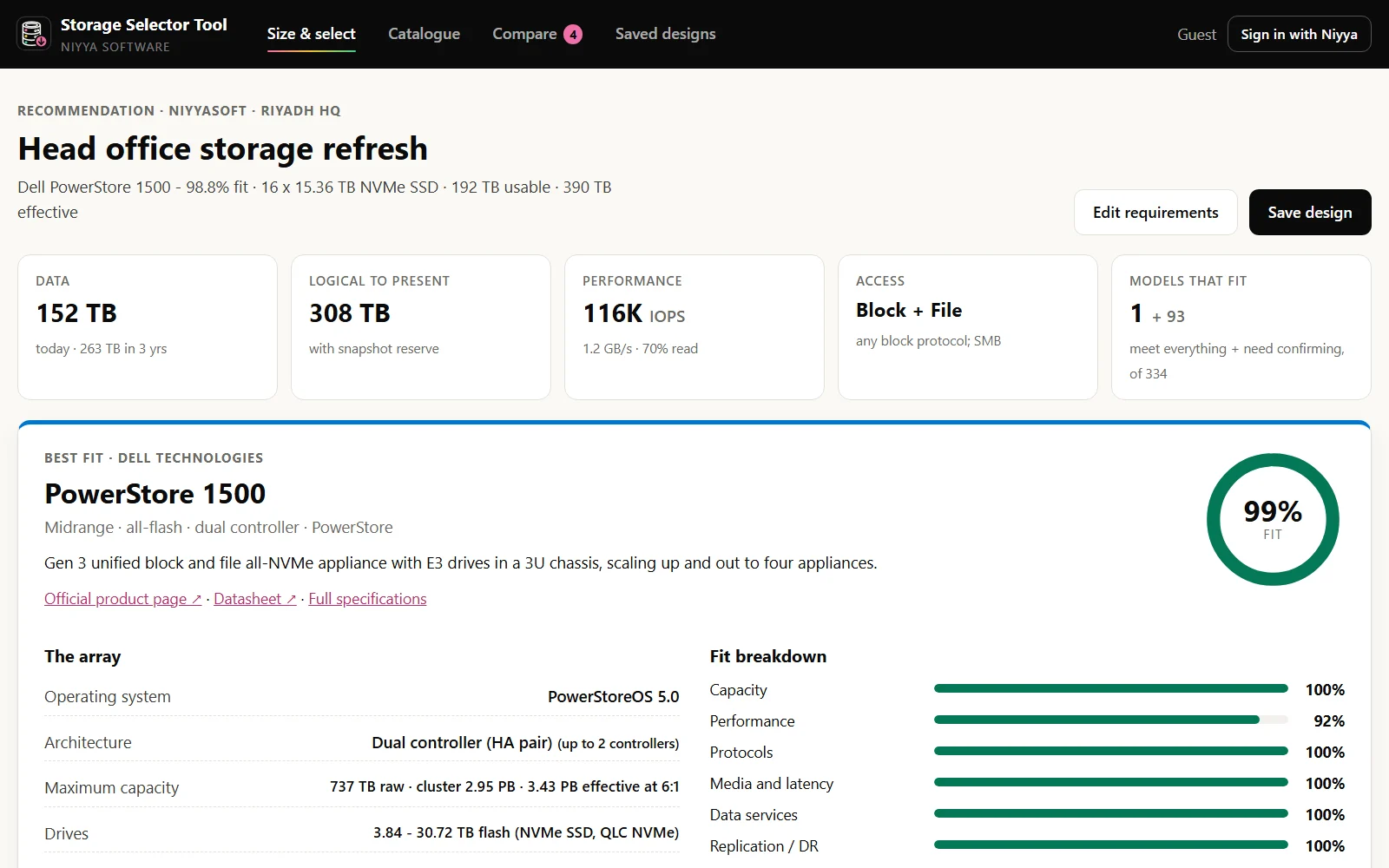

Storage Selector Tool
Describe the workloads and get the right storage array, sized with pools, LUNs, volumes and shares, scored by fit, with the designs to match.
Runs in your browser Learn more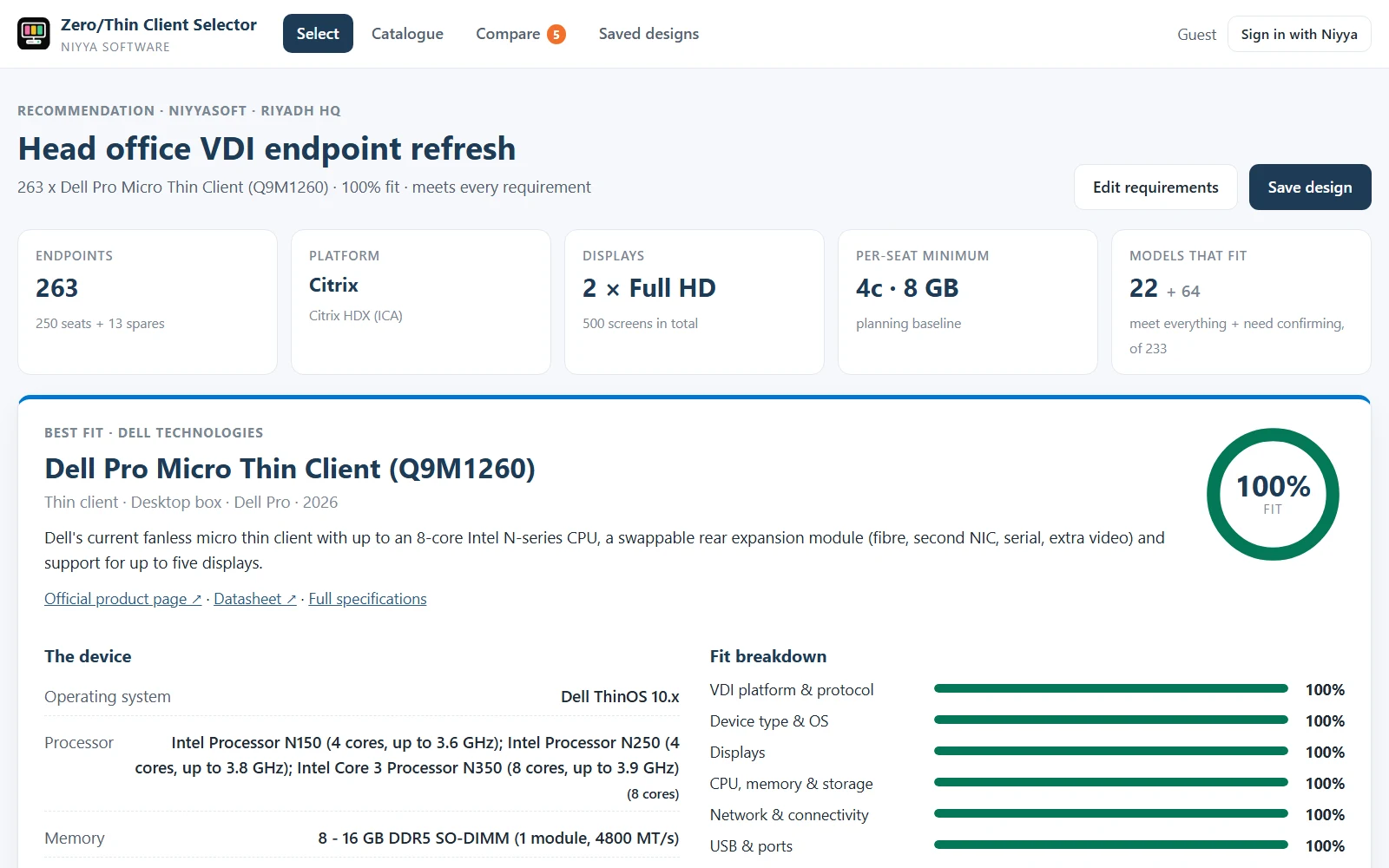

Zero/Thin Client Selector
Describe the VDI seat once and get the right thin or zero client from 35 OEMs, scored by fit, with the designs to match.
Runs in your browser Learn more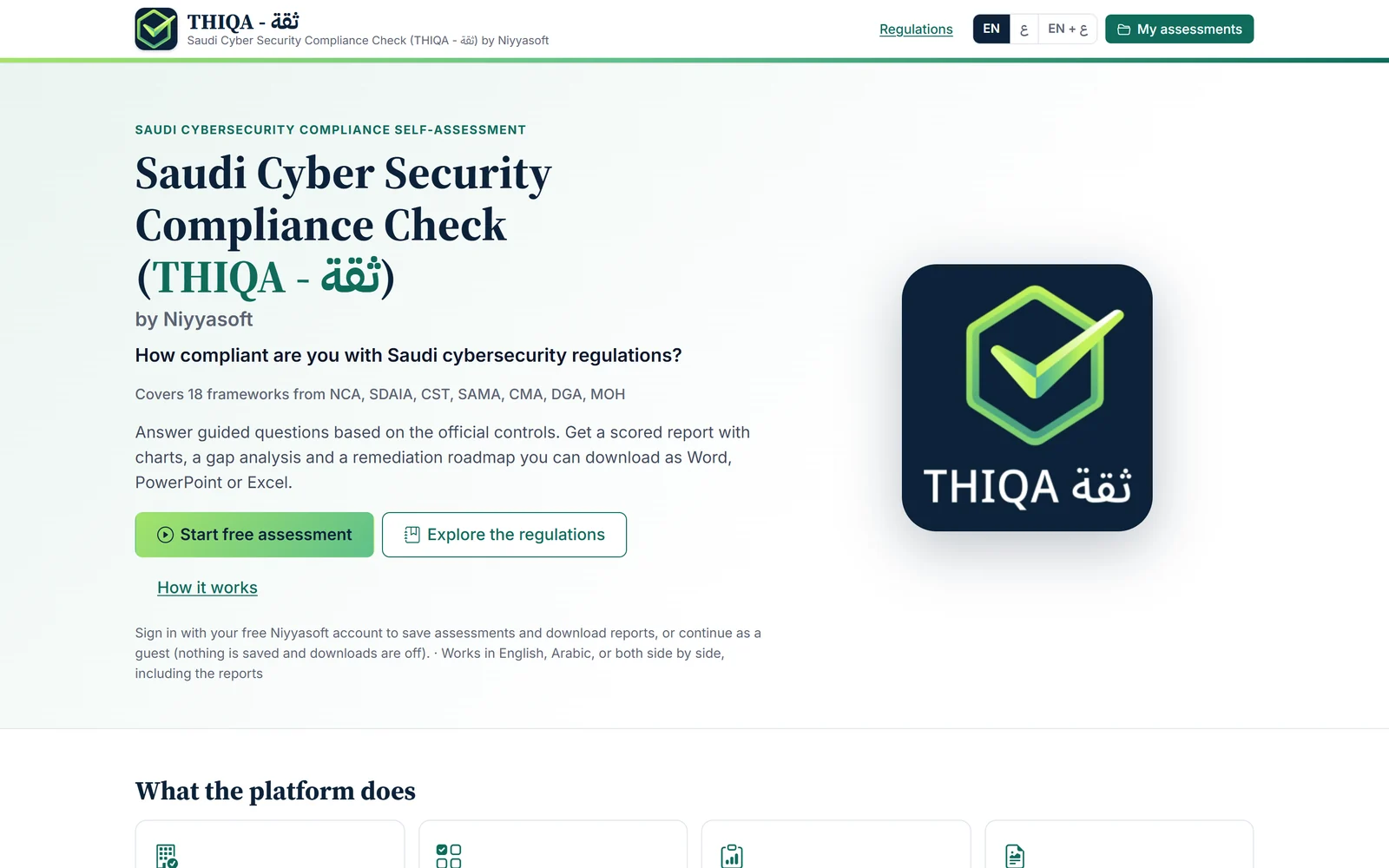

THIQA ثقة NCAC by Niyyasoft
Check your organization against 18 Saudi cybersecurity and data-protection frameworks, and get a scored report with a plan to close every gap.
Runs in your browser Learn more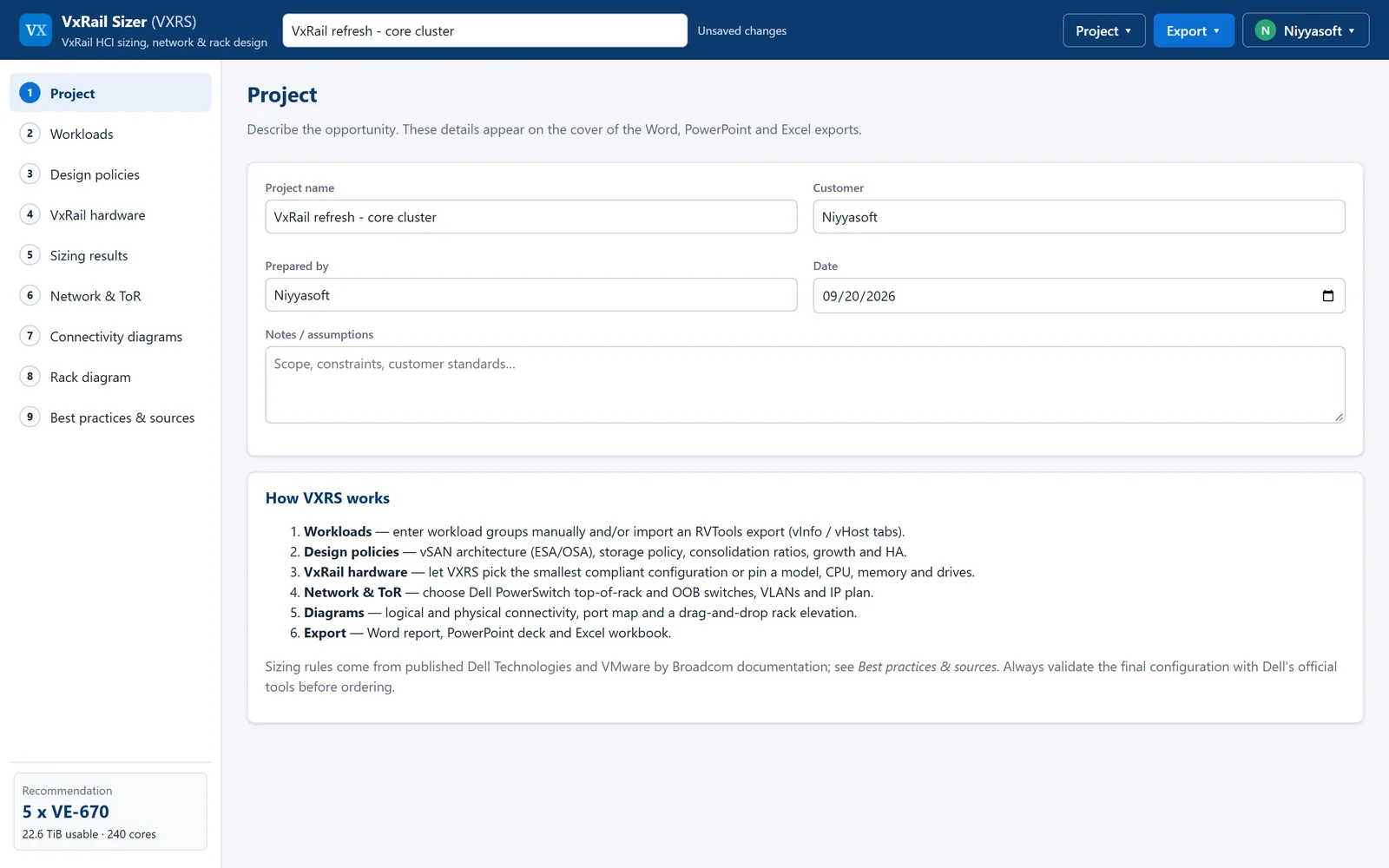

VxRail Sizer
Size Dell VxRail clusters to Dell and VMware best practice, with the network and rack design to match.
Runs in your browser Learn more

Wamdah Browser
A fast, light, secure browser for Windows.
Windows app Learn moreQuestions about this product?
Questions about licensing, bulk purchases, or a product that isn’t behaving — write to us and we’ll reply.
Talk to sales